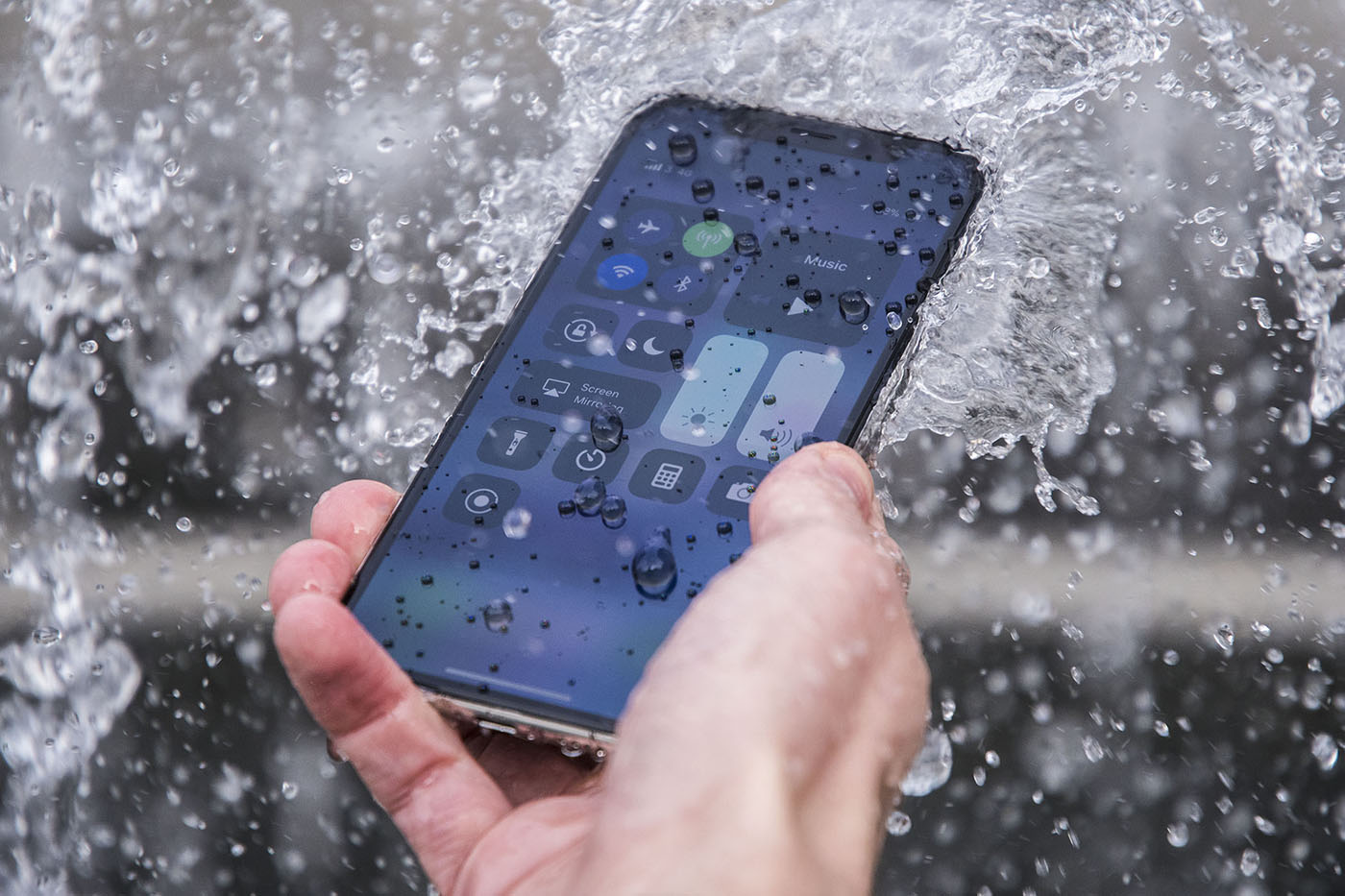
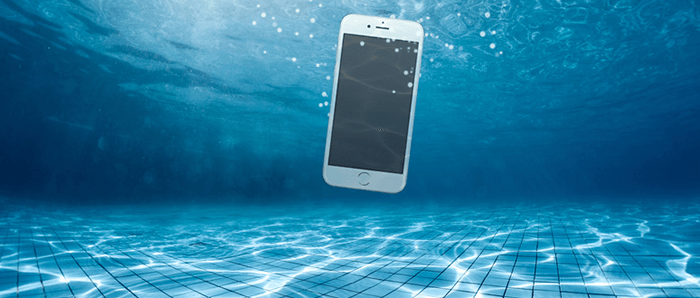
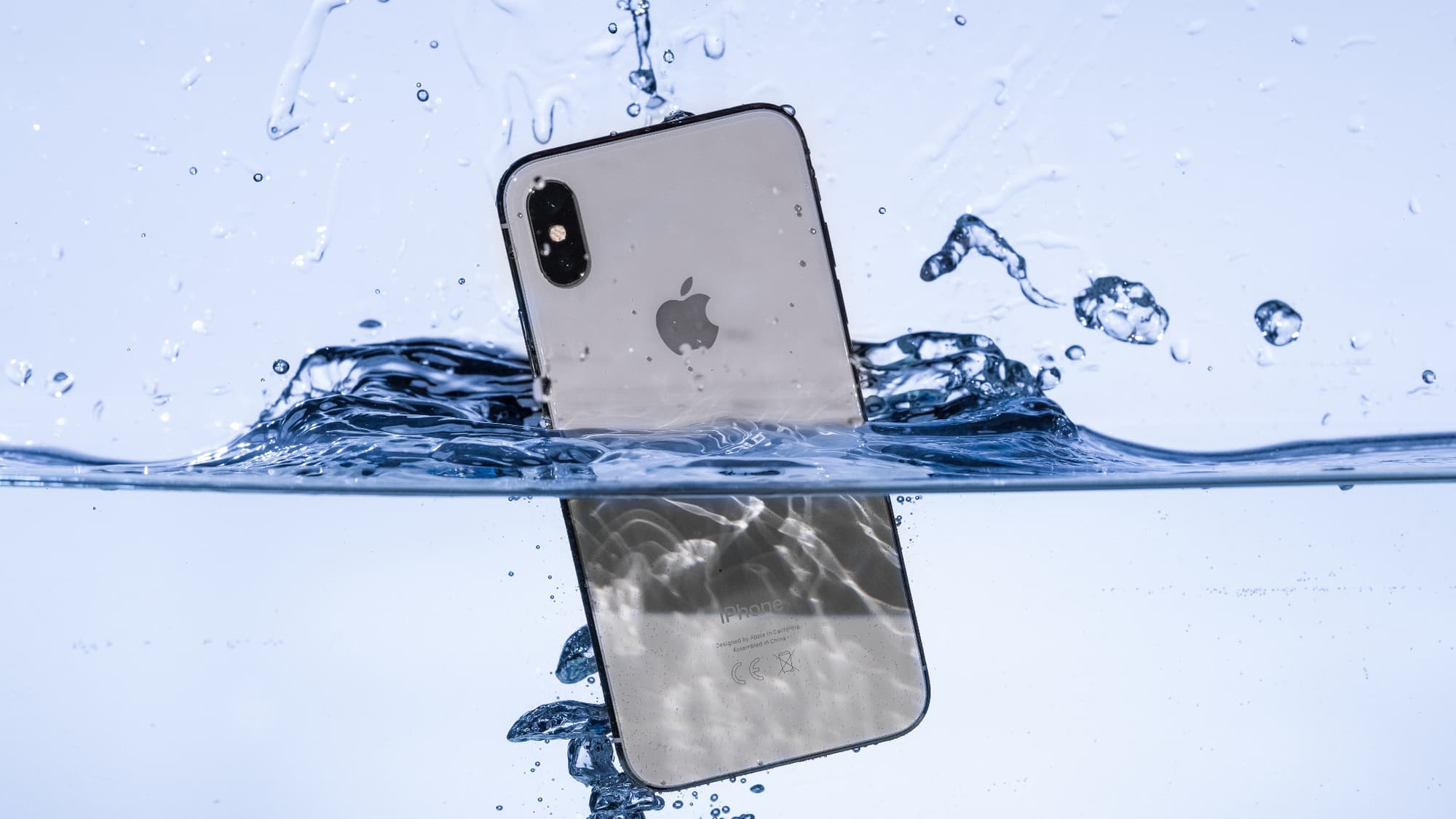
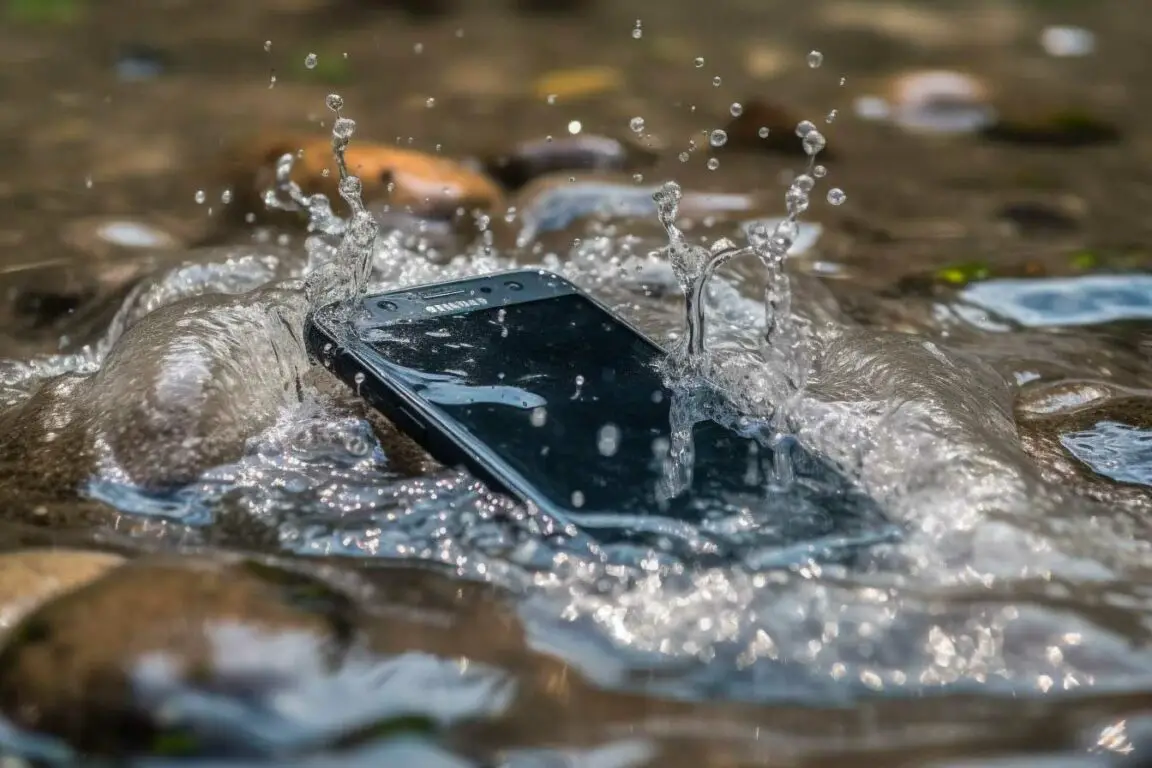
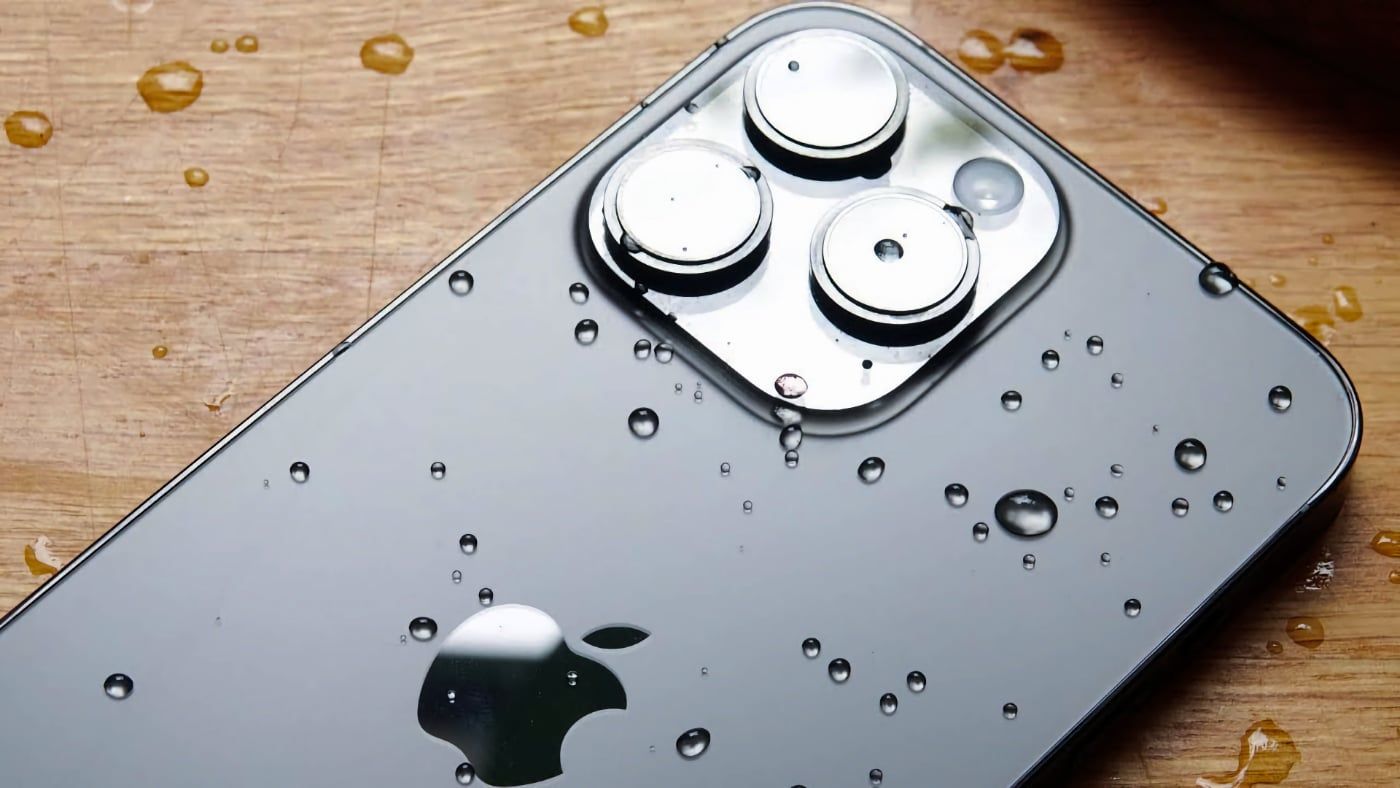
Okay, so picture this: I'm at the beach, right? Glorious sunshine, the smell of sunscreen, the whole shebang. I’m taking a pic of my ridiculously large, multi-colored cocktail (don't judge! It's vacation!), when, bam! A rogue wave decides to play a little game of "let's steal this idiot's phone." My iPhone 13 went for an unexpected swim. My heart? Pretty much stopped. And you know that feeling of utter dread when you see your tech take a dive?
Thankfully, after a frantic rescue mission involving questionable snorkeling skills and a lot of sputtering, I retrieved my phone. And, miraculously, it survived. This got me thinking – just how waterproof is the iPhone 13? Because let's be honest, we’ve all been there, or at least know someone who’s had a similar "oops" moment. (Tell me I’m not alone in the comments!)
So, What’s the Deal with iPhone 13's Water Resistance?
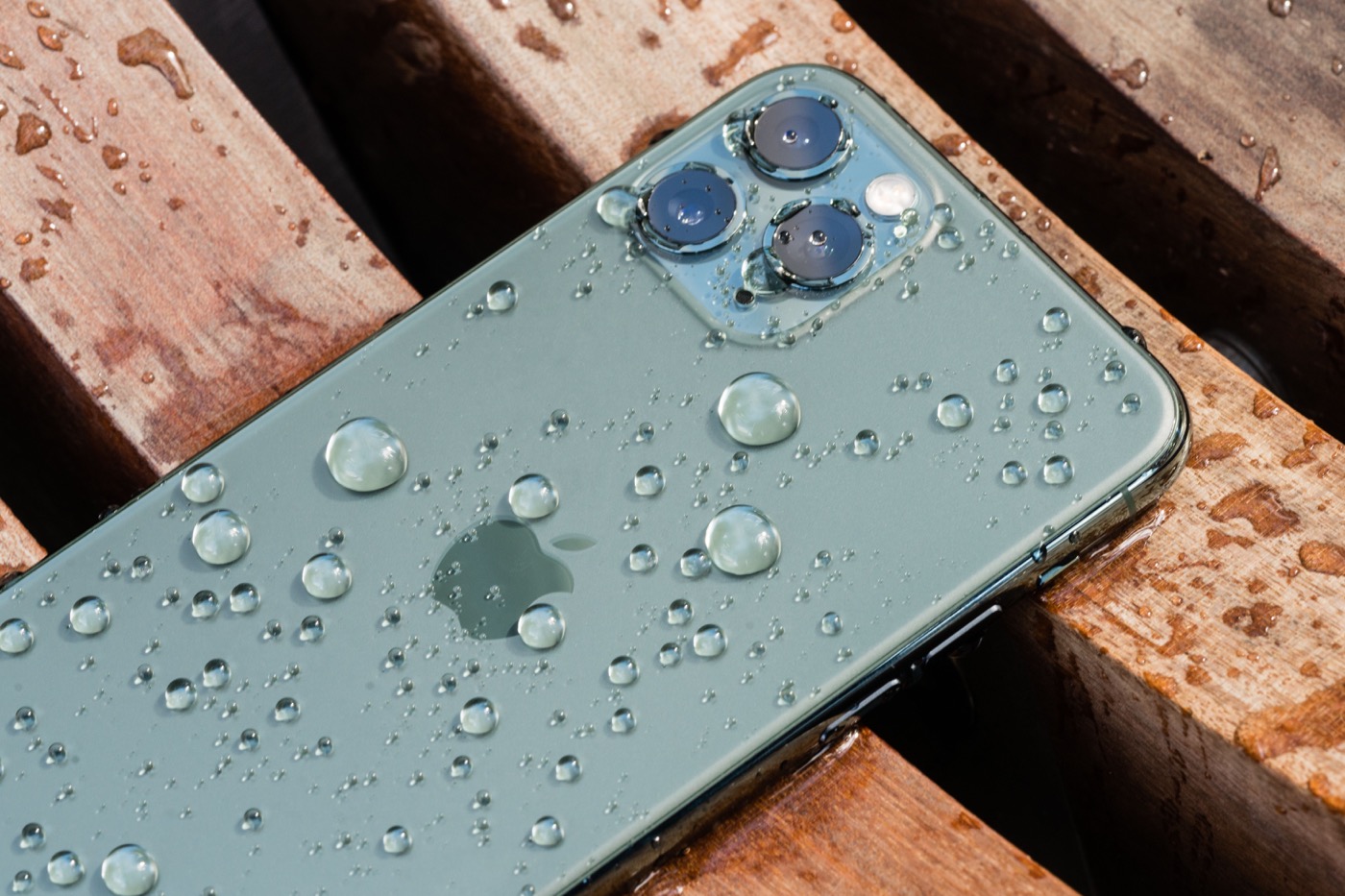
Apple loves to throw around fancy terms like IP68. Sounds impressive, right? But what does it actually mean in terms of surviving an accidental dip in the pool, the ocean, or, you know, the toilet (we’ve all judged someone who did that…or done it ourselves!).
IP68, in short, means the iPhone 13 is:
- Dust-tight: No sneaky dust bunnies are getting inside to wreak havoc.
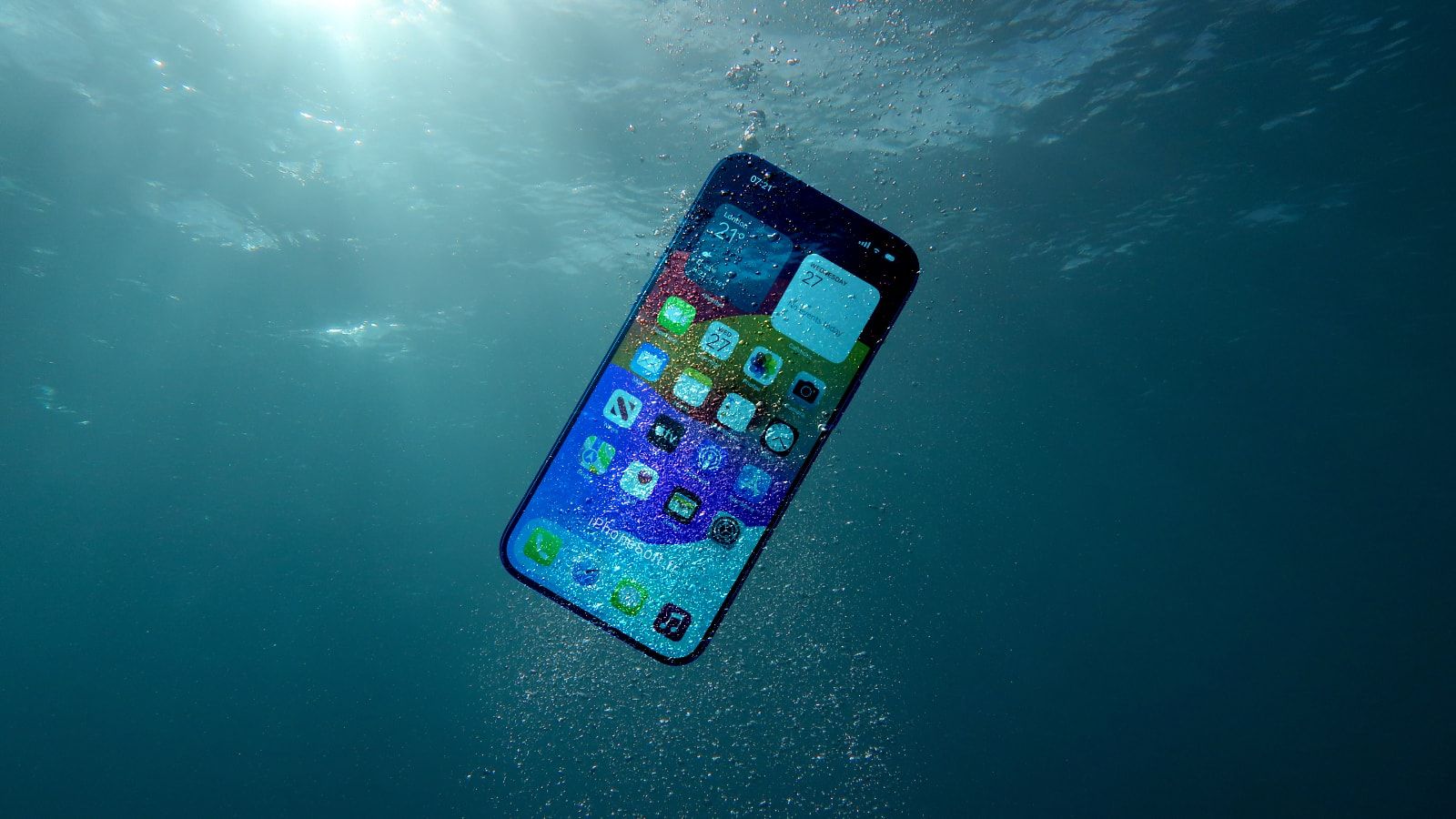
- Water resistant: This is the important part. It can withstand immersion in fresh water up to 6 meters (about 19.7 feet) for up to 30 minutes.
Alright, alright, so it can handle being submerged for a bit. But hold your horses before you decide to take underwater selfies during your next scuba diving adventure. There's more to the story than just a simple IP rating.
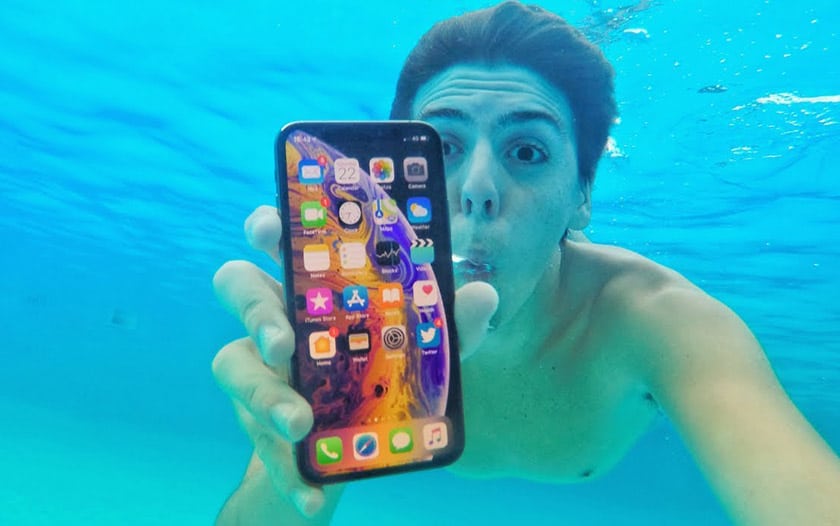
The Fine Print: What Apple Doesn't Tell You
Here's where things get a little… tricky. Apple’s "water resistance" isn’t exactly a guarantee. In fact, their warranty doesn’t cover liquid damage. Yep, you read that right. So if your phone bites the dust after a swim, you’re pretty much on your own. Ouch.
Why the discrepancy? Well, a few things can affect your iPhone 13’s ability to withstand water:
Age Matters
That IP68 rating is for a brand new phone. Over time, the seals that protect your phone from water can degrade due to wear and tear. Little bumps, drops (we’ve all been there, admit it!), and temperature changes can weaken those seals. Think of it like an old rubber band - eventually, it loses its elasticity.

Salt Water is the Enemy
My beach escapade was a prime example of this. Salt water is much more corrosive than fresh water. It can damage the internal components of your phone even if it doesn't immediately die. Salt crystals can form and mess with the electronics. So, while a quick dip in a freshwater pool might be relatively harmless, prolonged exposure to salt water is a big no-no. (Trust me, I learned that the hard way! Now I need to clean those speakers)
Other Liquids Aren't Your Friend Either
We're talking chlorine, soapy water, even sugary drinks. These liquids can also damage the seals and components of your phone. Think about it: if you spill soda on your kitchen counter, it gets sticky and gross, right? Same thing happens inside your phone, but with potentially disastrous consequences.

So, What Can You Do to Protect Your iPhone 13 from Water Damage?
Alright, so now you know the risks. But don't despair! Here are a few tips to keep your iPhone 13 safe and dry:
- Invest in a Waterproof Case: This is the most obvious solution, but it’s also the most effective. There are tons of great waterproof cases out there that offer serious protection. Do your research and choose one with good reviews. Otterbox makes some great cases.
- Be Extra Careful Around Water: This seems like a no-brainer, but it's worth repeating. Avoid using your phone near pools, tubs, or the ocean if you can. Especially avoid taking it into the shower! (I know, the music is tempting).
- Don't Assume It's Invincible: Just because your phone can withstand some water, doesn't mean you should test its limits. Treat it with care, and avoid unnecessary risks.
- Check for Damage: After any potential water exposure, inspect your phone carefully. Look for any signs of moisture or damage. (And turn it off immediately if you see any!)
- Dry it Out Properly: If your phone does get wet, turn it off immediately and dry it thoroughly with a soft cloth. Do not use a hairdryer or put it in the oven (yes, people actually do this!). Some people recommend placing it in a bag of rice, but there’s debate about its effectiveness. The main thing is to let it air dry completely.
What To Do If Your iPhone 13 Gets Wet?
Okay, so the worst has happened, and your phone is soaked. Don’t panic! Here's what you should do:
- Turn it off immediately: This is crucial. Don't try to turn it on to see if it still works. You could cause more damage.
- Remove any accessories: Take off your case, SIM card tray, and any other accessories.
- Dry it thoroughly: Use a soft, lint-free cloth to dry the exterior of your phone.
- Gently shake out excess water: Hold your phone with the charging port facing down and gently shake it to remove any water that may be trapped inside.
- Let it air dry: Place your phone in a dry, well-ventilated area. Leave it there for at least 24-48 hours. Resist the urge to turn it on before then!
- Consider professional help: If you're not confident in your ability to dry your phone properly, or if you suspect that it has suffered significant water damage, take it to a professional repair shop.
Final Thoughts: Play It Safe!
The iPhone 13's water resistance is a nice feature to have, but it's not a license to be reckless. Treat your phone with care, take precautions, and don't rely on the IP68 rating as a guarantee against water damage. After all, a little caution can save you a lot of heartache (and money!). And remember, if you find yourself in a similar situation as me, maybe just stick to taking pictures of the sunset instead of tempting fate with your fancy cocktail. Cheers to dry phones and happy memories! Now, if you’ll excuse me, I have a phone speaker to clean…