
Okay, picture this: you’ve just finished your alternance, you’re practically buzzing with the combined exhaustion and exhilaration of having juggled work and studies. You’ve crafted what you think is a masterpiece of a report, a veritable testament to your dedication. You print it out, all crisp and new, and then… you stare blankly at the cover page. What exactly goes on there? Is it just your name in Comic Sans? Please, no. We've all been there (or will be!).
The rapport d'alternance cover page. Sounds simple, right? But it’s actually your first impression. Like a good handshake, a well-designed cover page signals professionalism and attention to detail. It tells your reader – often your professor, your tutor, and potentially future employers – that you’ve taken this seriously. And let’s be honest, after all that hard work, you deserve to nail this final detail!
What Needs to Be Included?
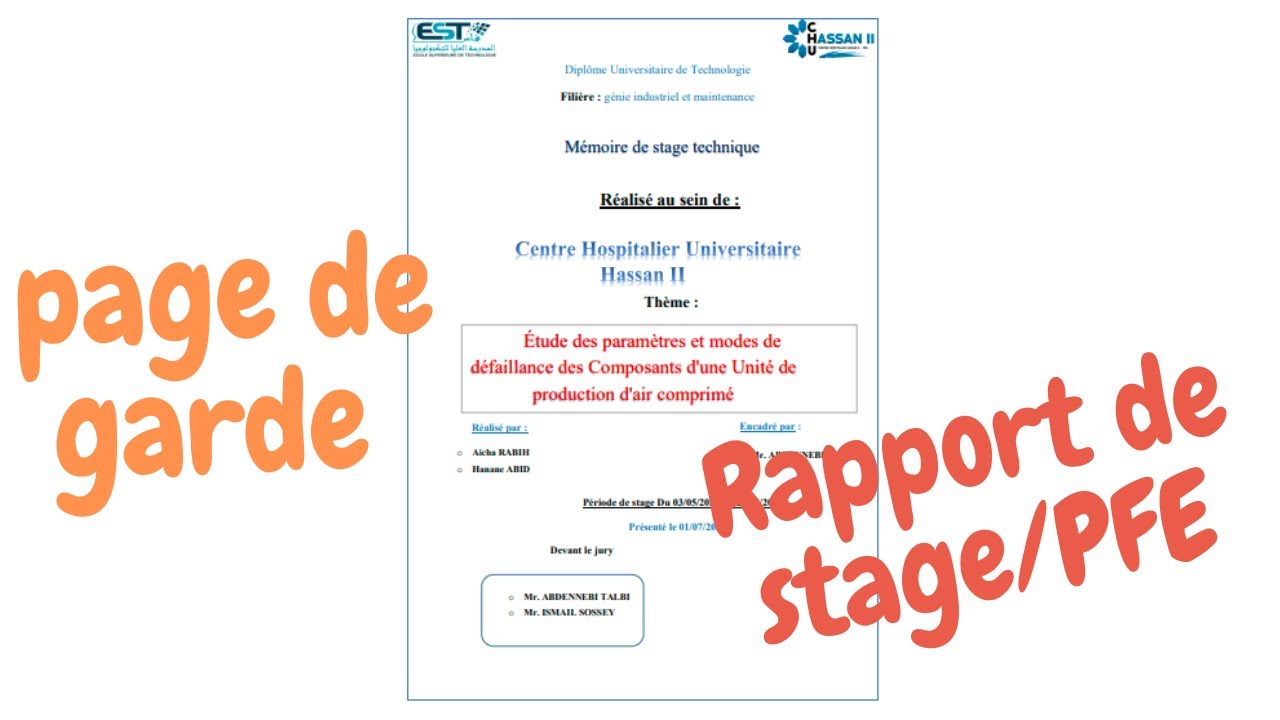
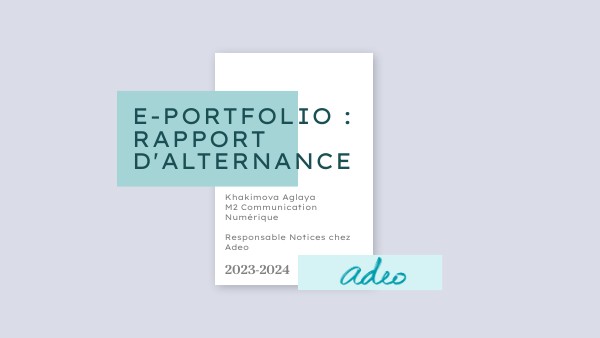
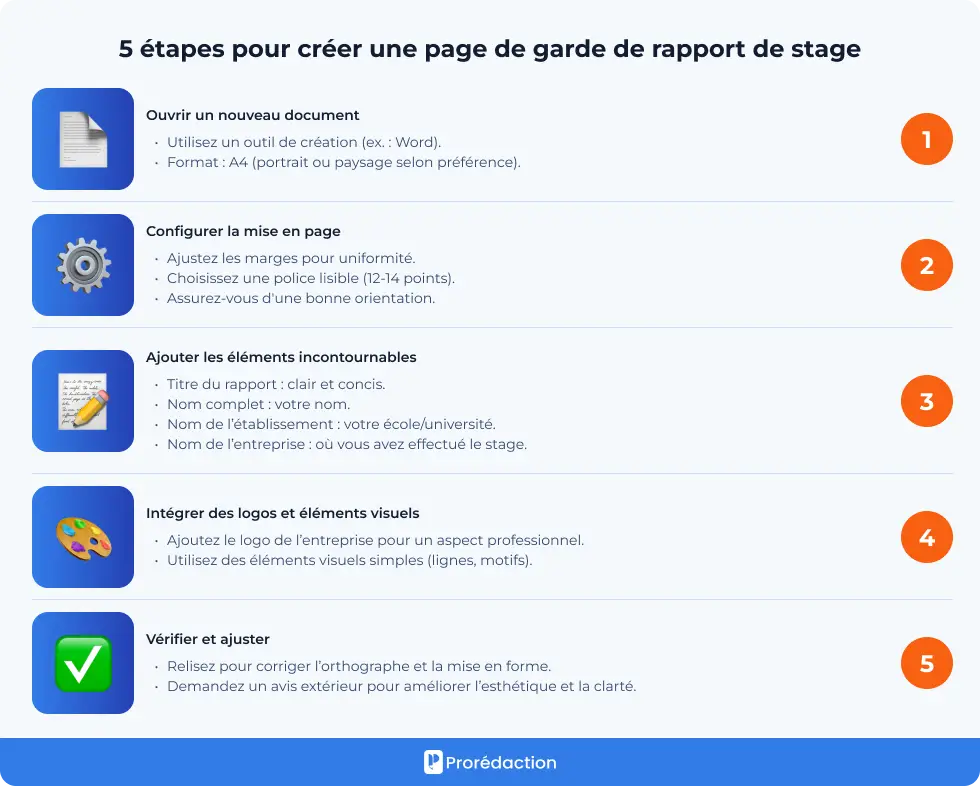
Think of it as a concise resume for your report. It's not just decoration. Here’s a breakdown of the essential elements:
- Your Name and Student ID: The basics. Make sure it's accurate!
- The Name of Your Institution:L’université, l’école… wherever you were suffering (erm, studying!)
- The Name of Your Company:L’entreprise qui t’a accueilli. Don't forget to spell it correctly!
- The Title of Your Report: Make it clear and concise. Avoid overly flowery language (unless that's your thing, but maybe save it for the introduction).
- The Name of Your Tutor (Maître de stage or Tuteur entreprise): Give them their due respect.
- The Academic Year: Important for context. For example: 2023-2024.
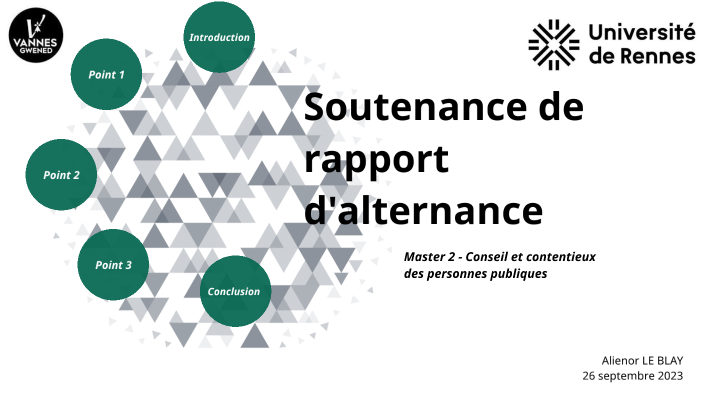
- Logo (Optional but Recommended): Your school's and/or the company's logo adds a touch of professionalism. Make sure you have permission to use the company's logo!
Petit conseil: Don’t clutter it! White space is your friend. Less is often more.
Design Considerations
Now, let's talk about aesthetics. You're not trying to win a graphic design award, but you also don't want it to look like you threw it together in MS Paint (no offense to MS Paint artists!).

- Font Choice: Stick to professional fonts like Arial, Times New Roman, Calibri, or even a clean sans-serif like Open Sans. Avoid Comic Sans at all costs. Seriously.
- Color Scheme: Keep it simple. Use the colors from your school or company logo as inspiration. Avoid overly bright or distracting colors.
- Layout: Consider the arrangement of elements. A balanced layout looks more professional. You can find templates online for inspiration.
Franchement, you can create something decent in Word or Google Docs. You don't need to be a design guru.
Little Extras That Make a Difference
Okay, you've got the basics covered. But if you want to go the extra mile, here are a few ideas:

- A Subtitle: Adding a subtitle that briefly describes the focus of your report can be helpful.
- A Relevant Image: A subtle image related to your work can add visual appeal. Again, keep it professional.
Just remember, the goal is to create a cover page that is clear, concise, and professional. It’s the appetizer to the main course – your actual report. Make it enticing!
So, take a deep breath, channel your inner design guru (or just use a template!), and create a cover page that you can be proud of. You’ve got this!






![[DOC] Exemple page de garde word pour un rapport PFE](https://blogger.googleusercontent.com/img/b/R29vZ2xl/AVvXsEjpSlvXcHXBYWWQrRfW-nY1n-Oejep5BrnuAMCn3A9e8RwccHqEijcNHiPovYReC-RAO_P8TzNQj1KEK6fl4izxbXpzv_m8EgDqSFbnvrkQxTqfO0iOtUdIgpdw-J9x3JIOgRMW3_yRYou_/w1200-h630-p-k-no-nu/page+de+garde+word+de+pfe+modele+page+de+garde+format+word+2015.png)