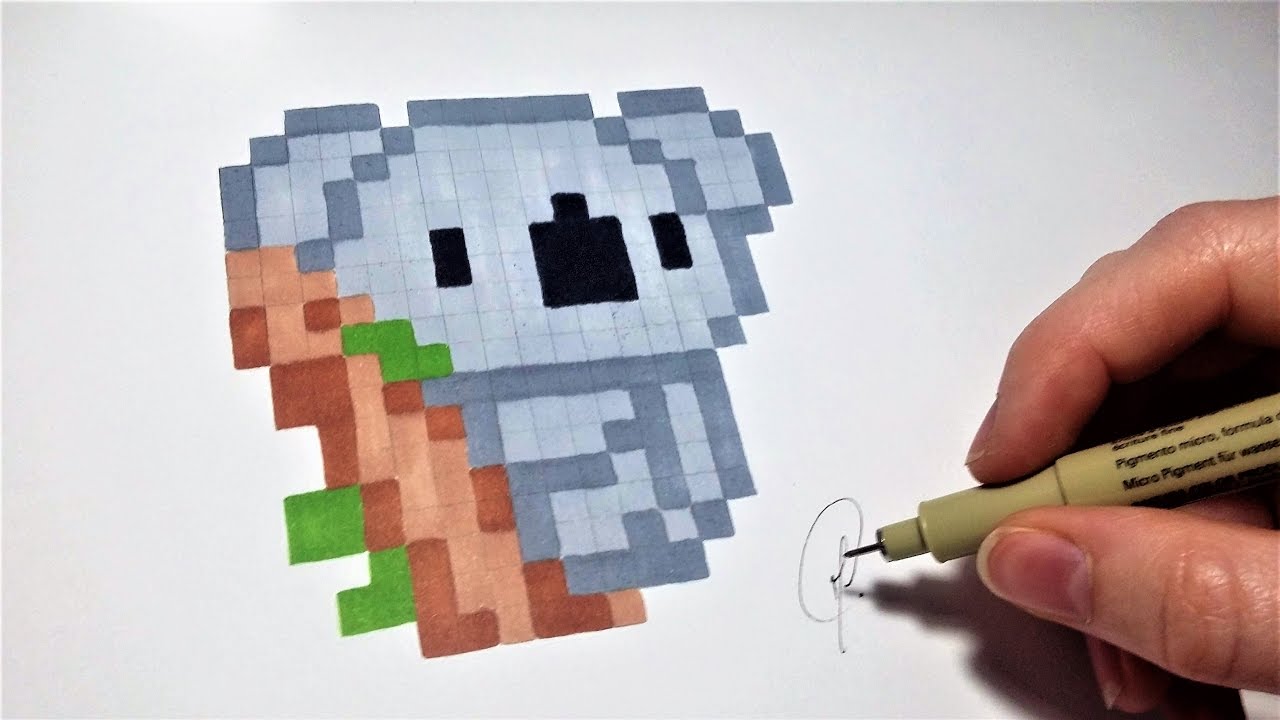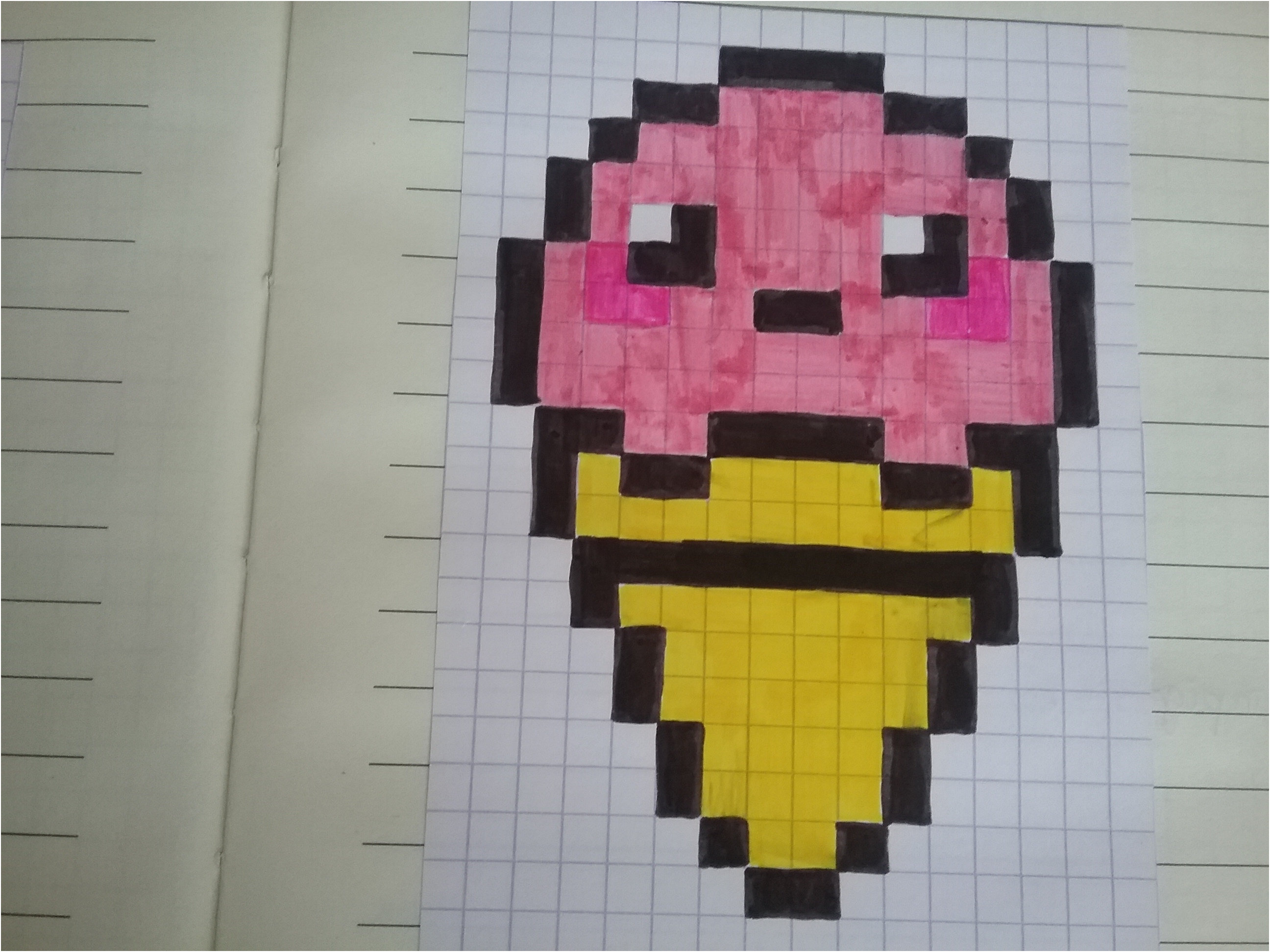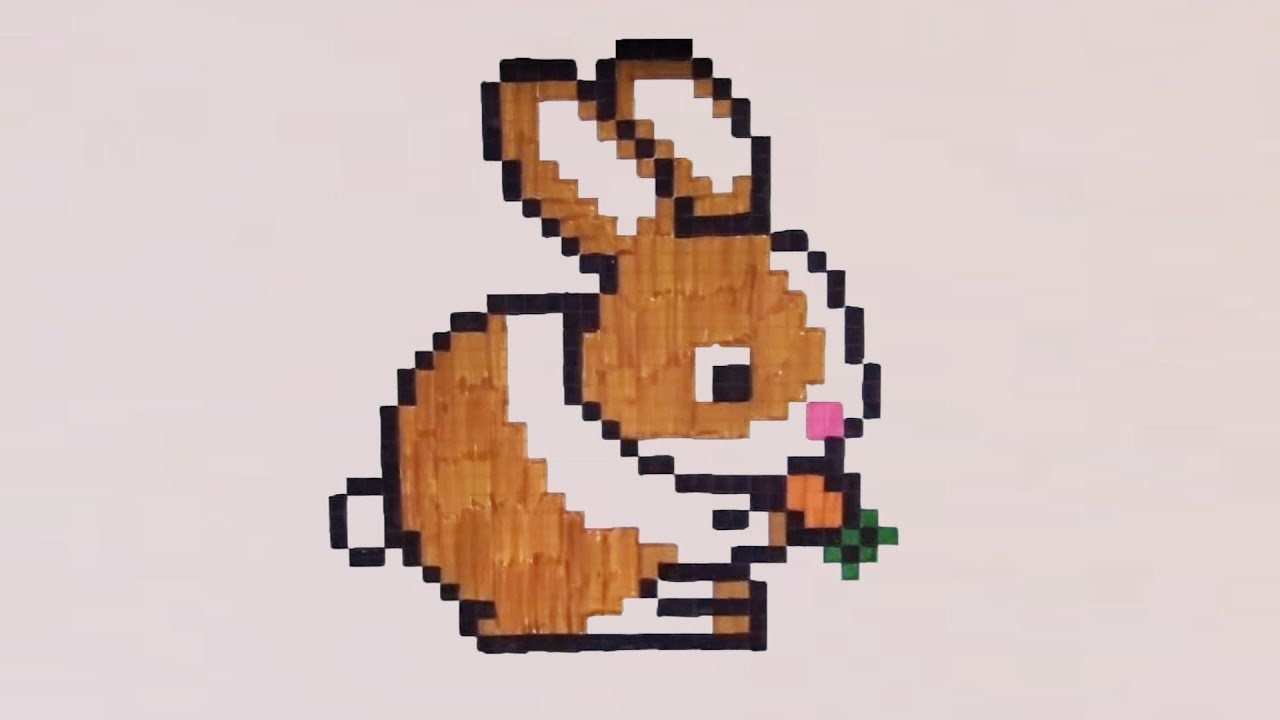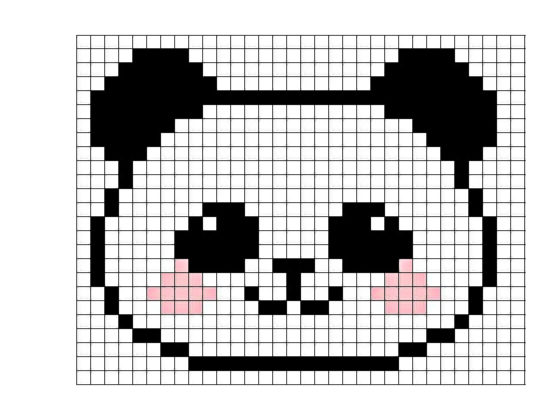
Okay, picture this: me, last Tuesday, staring blankly at my computer screen. Deadlines looming, creativity… nonexistent. I needed a break, something cute to distract me. So, naturally, I ended up Googling "adorable animals doing silly things." And that's when it hit me – pixel art. Remember Tamagotchis? Good times, right? Well, I thought, why not try to recreate that retro charm, but, you know, with a modern twist?
And let me tell you, falling down the rabbit hole of easy pixel art tutorials featuring mignon (cute) animals was exactly what the doctor (or, in this case, my frayed nerves) ordered. It's surprisingly therapeutic, even if you think you're artistically challenged (like yours truly!).
Pourquoi Pixel Art, au Fait? (Why Pixel Art, Anyway?)
Good question! I mean, we live in a world of hyper-realistic graphics. Why go retro? Well, several reasons, actually:
- Simplicité: Seriously, it's the easiest form of digital art to get into. No fancy brushes, no complex layering. Just pixels. Think of it as digital Legos!
- Charme Nostalgique: Come on, who doesn't love the retro vibes? It's like a warm hug from the 90s (or the 80s, depending on your age!).
- Créativité Accessible: You don't need to be Picasso. You can create something adorable with just a few simple shapes and colors. Trust me, if I can do it...
- Animation Facile: Want to make your pixelated puppy wag its tail? It's surprisingly straightforward! We'll get to that later. (Spoiler alert: it involves lots of duplicated frames with slight modifications!)
Plus, let's be honest, tiny pixelated animals are just plain irresistible. I mean, a pixelated panda eating a pixelated bamboo shoot? C'est magnifique!
Le Matériel Nécessaire (The Necessary Equipment)
The best part? You probably already have everything you need. No need to break the bank on fancy software! Here's the bare minimum:
- Un Ordinateur (A Computer): Obvious, I know.
- Un Logiciel de Pixel Art (Pixel Art Software): There are tons of free options! Here are a few to get you started:
- Piskel: My personal favorite! It's free, web-based, and super user-friendly.
- Aseprite: A popular paid option, but with a free trial. It's a bit more advanced, but worth checking out if you're serious about pixel art.
- GIMP: A free and open-source image editor that can be used for pixel art, though it might have a bit of a learning curve.
- Une Souris (A Mouse): While you can use a trackpad, a mouse will give you more precision. Trust me, your pixels will thank you.
- De la Patience (Patience): Rome wasn't built in a day, and neither is a masterpiece of pixelated cuteness. Don't get discouraged if your first attempt looks more like a blob than a bunny. Keep practicing!
Side note: Don't be afraid to experiment with different software. Find what works best for you! And don't underestimate the power of YouTube tutorials. There's a video for everything these days.
Les Étapes Simples pour un Animal Mignon Pixelisé (Simple Steps for a Cute Pixelated Animal)
Okay, let's get down to business! Here's a simplified breakdown of the process:
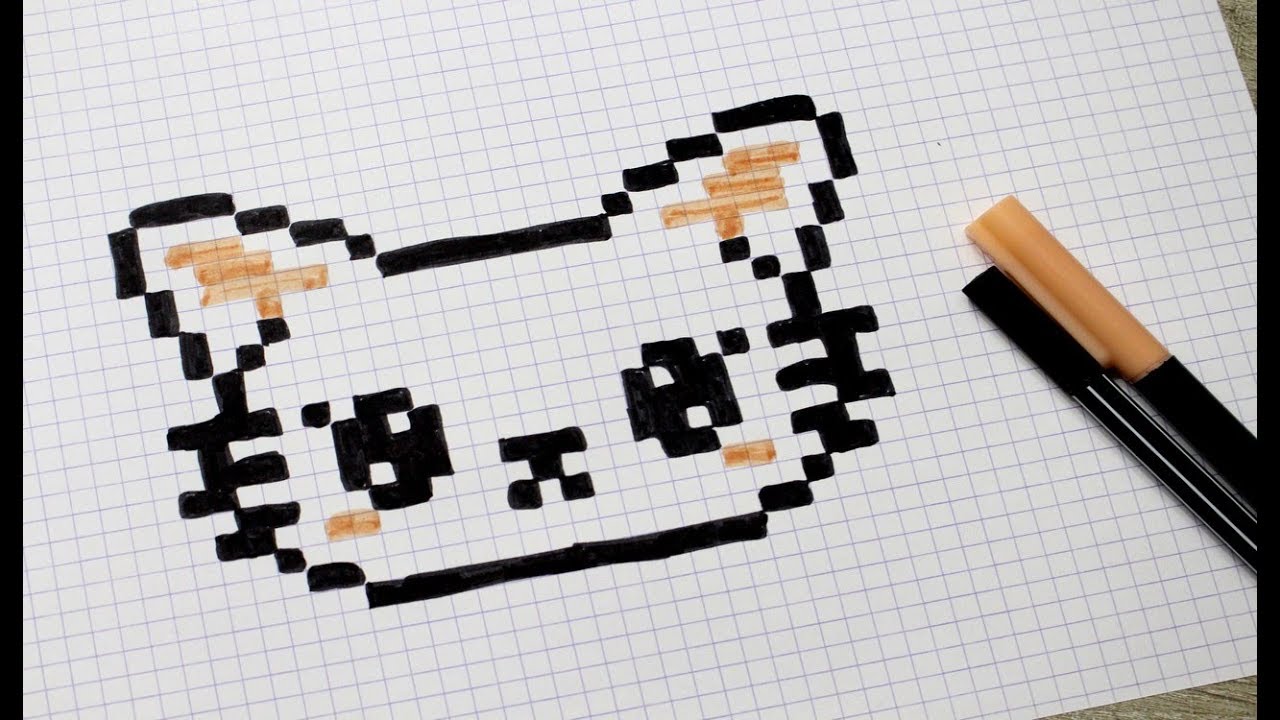
1. L'Idée (The Idea)
What animal do you want to create? A fluffy kitten? A majestic lion? A grumpy frog? The possibilities are endless! And what will your animal be doing? Sleeping? Eating? Wearing a tiny hat? (Always a good option.)
Tip: Start with something simple, like a small, round animal. Think penguins, hamsters, or even a stylized blob monster. The fewer details, the easier it will be to manage.
2. La Taille (The Size)
How big do you want your pixel art to be? For beginners, I recommend starting with a small canvas, like 16x16 or 32x32 pixels. It's easier to manage and less overwhelming.
Side comment: You can always scale up your image later, but remember that scaling up pixel art can make it look blurry. If you want a larger image, it's best to start with a larger canvas from the beginning.
3. L'Esquisse (The Sketch)
Use a basic color (like black or gray) to sketch out the basic shape of your animal. Don't worry about details yet! Just focus on the overall form.

Pro tip: Look at reference images! Don't try to create everything from memory. Google is your friend! Search for pictures of the animal you want to draw, and use them as inspiration.
4. Les Couleurs (The Colors)
Time to add some color! Choose a limited palette of 3-5 colors. This will help keep your pixel art looking cohesive and professional.
Color Theory 101: Use complementary colors (colors that are opposite each other on the color wheel) to create contrast. For example, blue and orange, or red and green. But don't overdo it! Too much contrast can be overwhelming.
5. Les Détails (The Details)
Now you can add some details, like eyes, nose, mouth, and any other distinguishing features. Remember to keep it simple! Less is often more in pixel art.
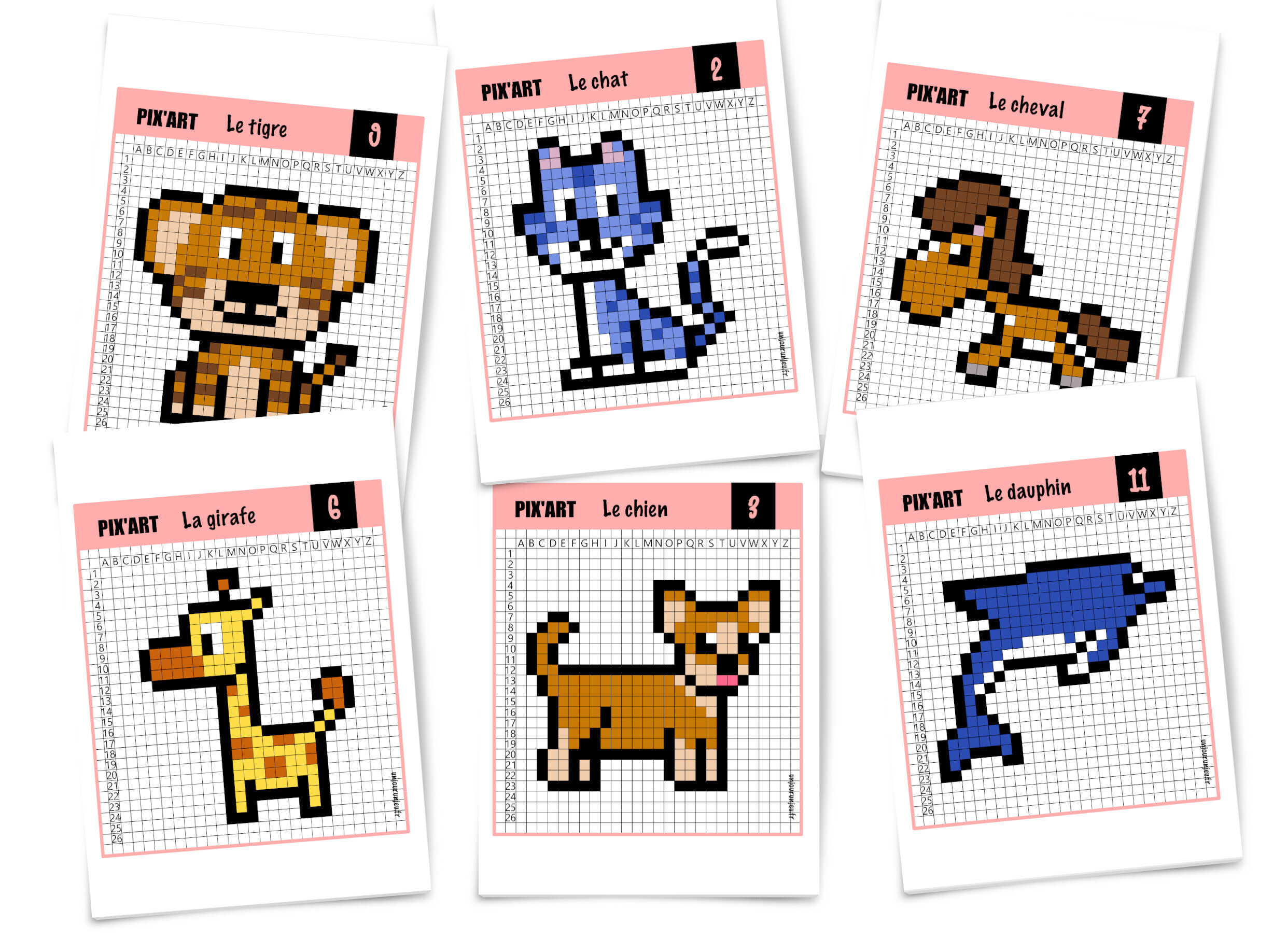
Important note: Don't be afraid to experiment! Try different colors, shapes, and details. There are no rules in art (except maybe don't use Comic Sans). Find your own style!
6. Les Ombres et Lumières (Shadows and Highlights)
Adding shadows and highlights can really bring your pixel art to life! Use a slightly darker shade of your base color for shadows, and a slightly lighter shade for highlights.
Technique tip: Think about where the light is coming from. If the light is coming from the top left, the shadows will be on the bottom right.
7. L'Animation (Animation) (Optionnel!)
Want to make your animal move? It's easier than you think! Here's the basic idea:
- Create a series of frames, each slightly different from the last.
- Loop the frames together to create the illusion of movement.
For example, if you want to make your animal wag its tail, you would create a few frames where the tail is in different positions. Then, you would loop those frames together to create the wagging motion.
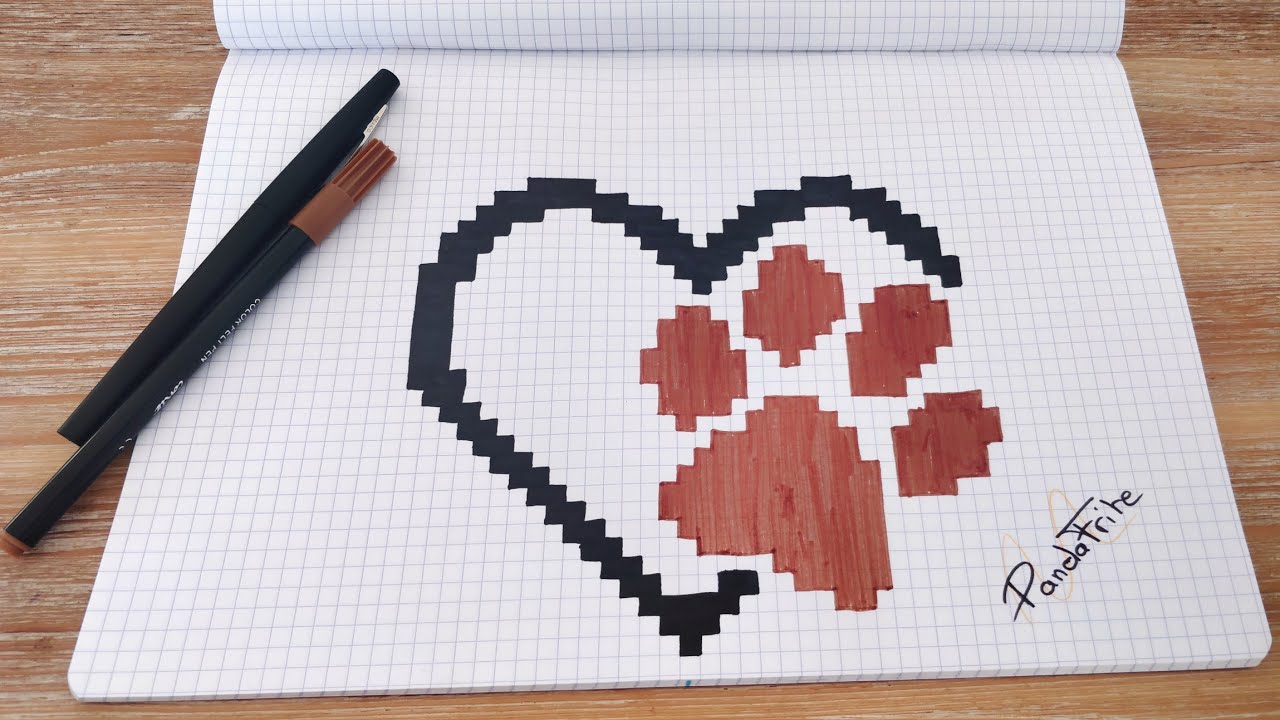
Piskel is great for animation because it has a built-in animation preview. You can see your animation in real-time, which makes it much easier to fine-tune.
Où Trouver l'Inspiration (Where to Find Inspiration)
Feeling stuck? Don't worry, we've all been there! Here are a few places to find inspiration:
- Pinterest: A goldmine of pixel art! Search for "pixel art animals" or "pixel art tutorial."
- Dribbble: A website for designers and artists. You can find some amazing pixel art here.
- Lospec: A website dedicated to pixel art resources, including tutorials, palettes, and software recommendations.
- Jeux Vidéo Rétro (Retro Video Games): Look at the pixel art in classic video games like Pokémon, Super Mario, and The Legend of Zelda.
- Votre Propre Imagination (Your Own Imagination): Don't be afraid to let your creativity run wild! Think about your favorite animals, your favorite colors, and your favorite things. Combine them all together to create something unique!
And remember, don't compare yourself to others! Everyone starts somewhere. Just focus on having fun and creating something that you're proud of.
Conclusion: Amusez-Vous! (Have Fun!)
So there you have it! A beginner's guide to creating pixel art facile animaux mignon. It's a fun, relaxing, and rewarding hobby that anyone can enjoy. So grab your mouse, fire up your favorite pixel art software, and start creating! And don't forget to share your creations with the world! (Or at least with me. I'd love to see what you come up with!).
And most importantly, don't forget to have fun! After all, that's what it's all about!