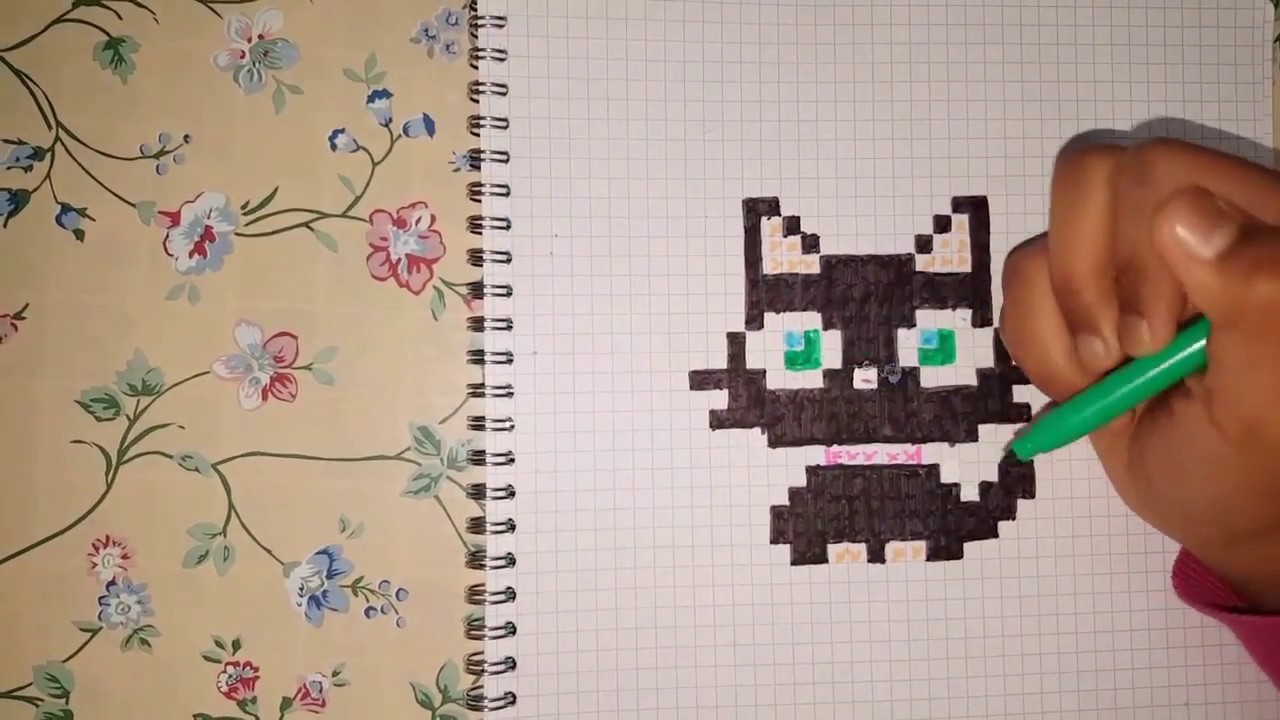
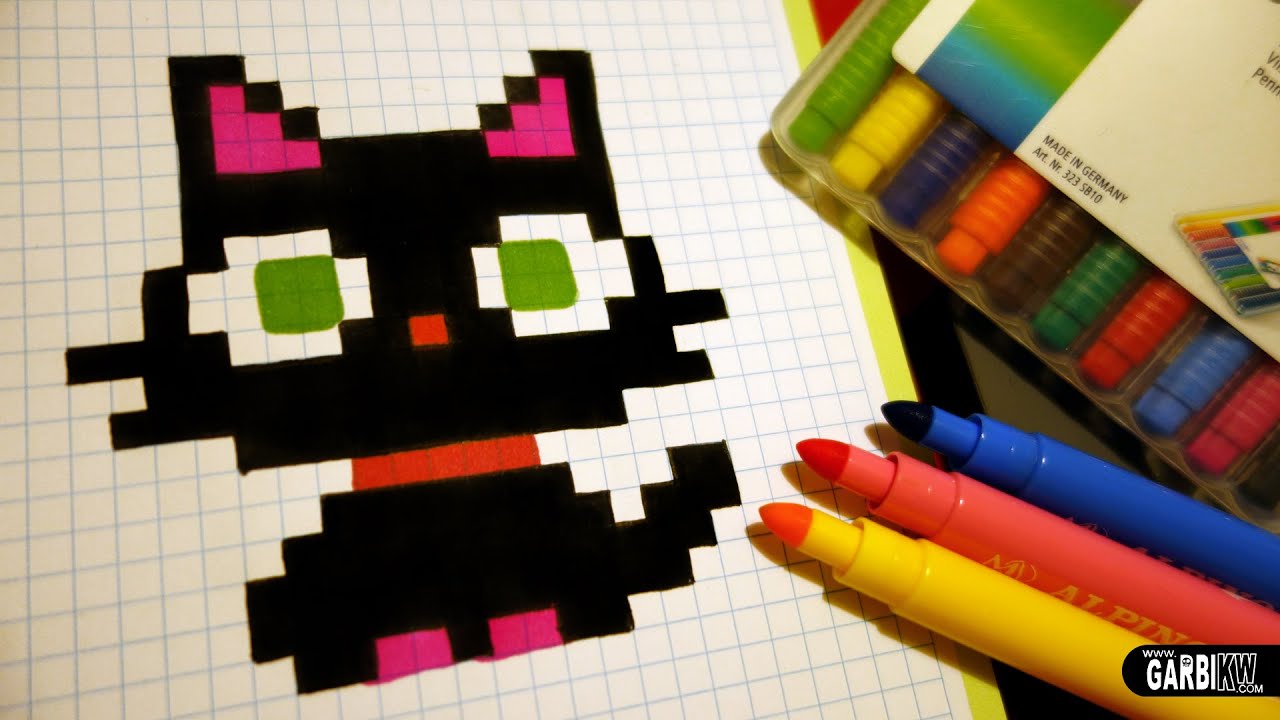
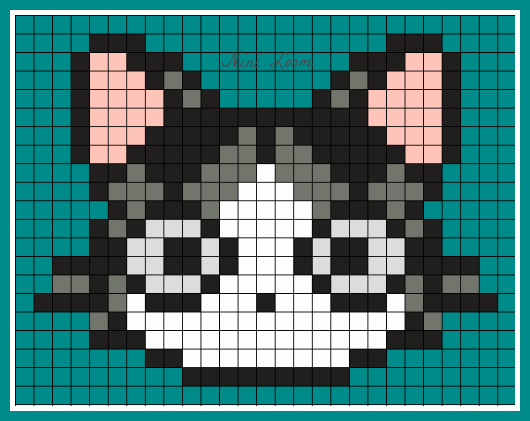
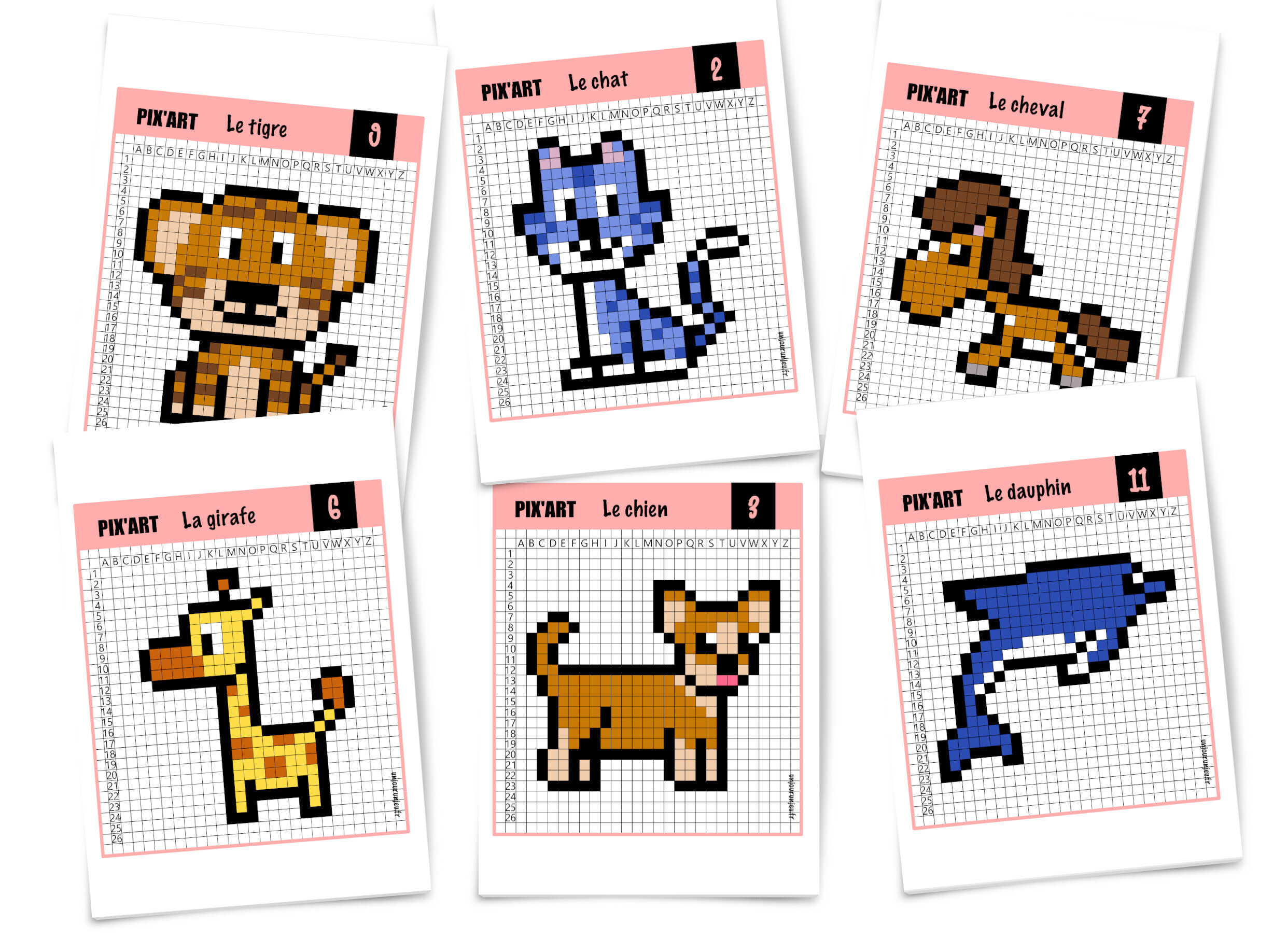
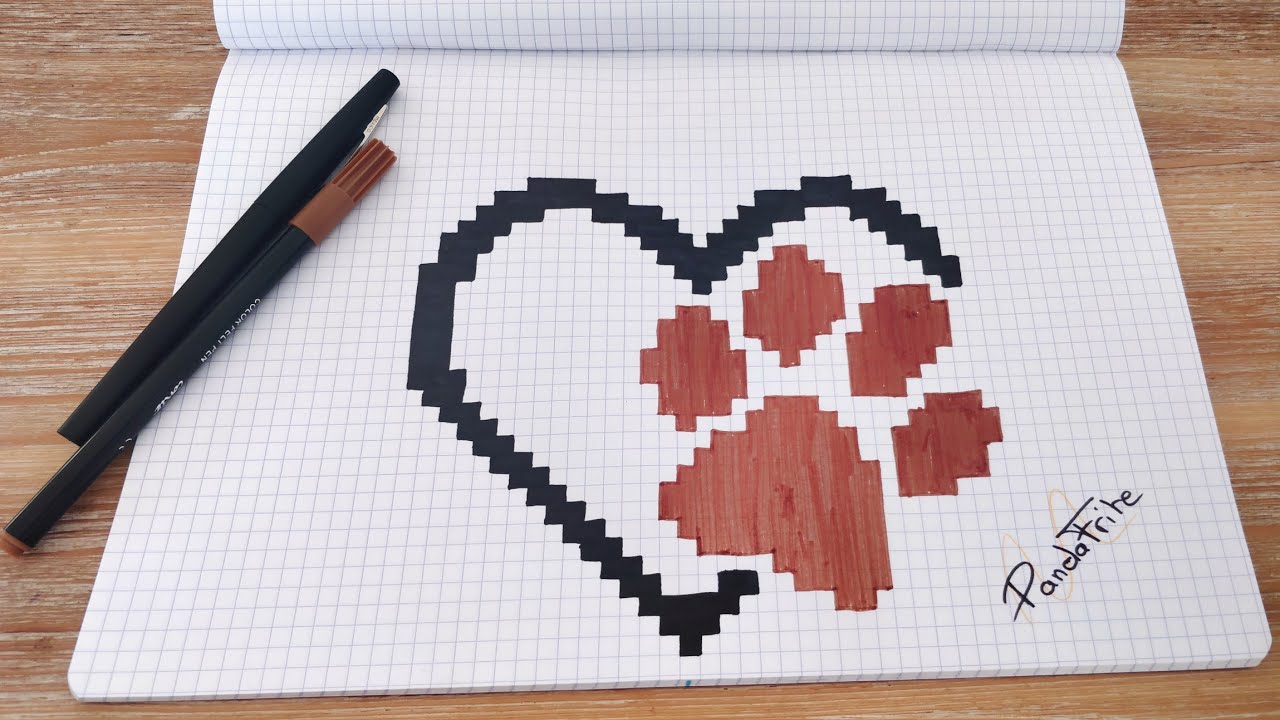
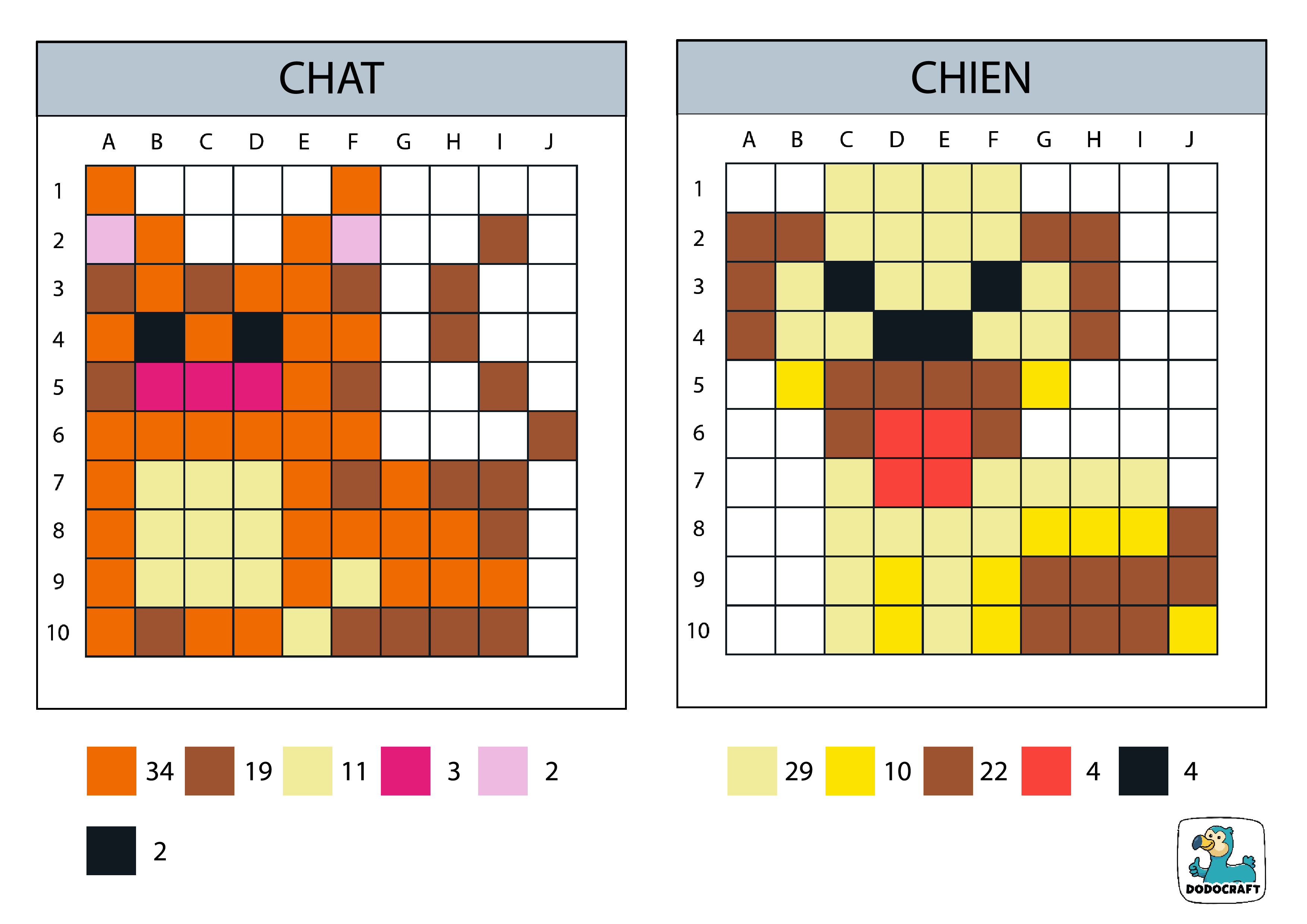
Ok, imagine this: I'm scrolling through Instagram, right? Trying to avoid doomscrolling, naturally. And BAM! A tiny, pixelated cat pops up, wiggling its little pixel tail. I was instantly OBSESSED. Like, stop-everything-you're-doing-and-learn-this-now obsessed. Turns out, it was pixel art. And not just any pixel art, but pixel art of animals. Specifically, cats. Because, let's be real, who doesn't love a good cat?
So, that's how I tumbled down the pixel art rabbit hole. And guess what? It's not as intimidating as it looks! In fact, it's surprisingly facile. Especially when we're talking about adorable, blocky, pixelated kitties.
Pourquoi les chats en pixel art, c'est génial
Seriously, why shouldn't you be drawing cats in pixel art? Here are just a few reasons why it's the bee's knees:
- C'est mignon à souhait: Need I say more? Cats are inherently cute, and pixel art only amplifies that adorableness. Imagine a tiny, 8-bit tabby staring at you with its big, pixelated eyes. Meltdown alert!
- C'est simple, mais expressif: Pixel art forces you to be economical with your details. You're working with a limited palette and a limited canvas. This constraint actually boosts your creativity! You have to convey the essence of "cat-ness" with just a few well-placed pixels. (Think of it as minimalist feline art!)
- C'est relaxant: Unlike complex digital paintings, pixel art is often a slow, deliberate process. You're placing each pixel individually, like tiny digital mosaics. It's oddly meditative. Put on some chill music and pixel away your stress!
- C'est parfait pour les débutants: Seriously! You don't need fancy software or years of art training. Free online editors exist, and the limitations of pixel art actually make it easier to pick up the basics.
- C'est amusant! Need I say more? Seriously! It's just plain fun to create these little digital creatures.
Plus, you can then turn your pixelated felines into all sorts of things! Think:
- Icons
- Avatars
- Stickers
- Animations (we'll get to that later!)
- Even cross-stitch patterns! (The possibilities are endless!)
Les bases du pixel art "facile"
Okay, so you're hooked. You want to create your own pixelated cat army. Where do you start? Don't worry, I've got you covered.
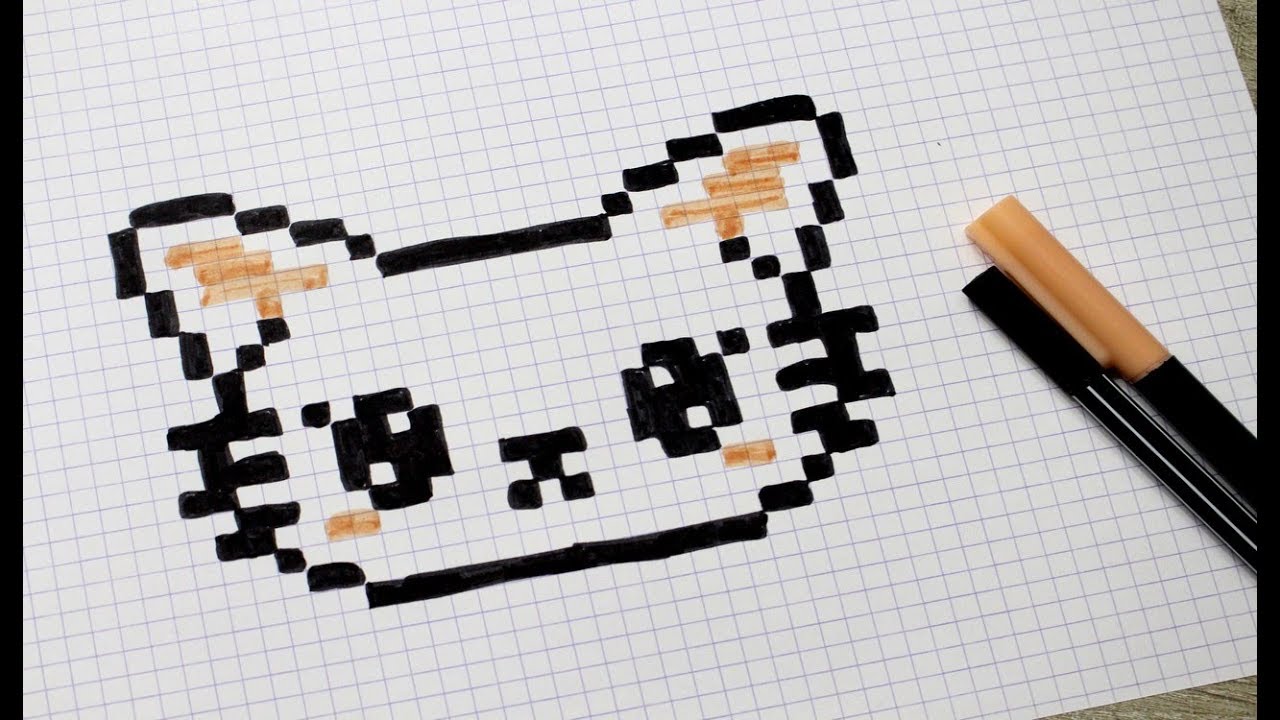
Le matériel
The good news is, you don't need much!
- A pixel art editor: There are tons of free online options. I personally like Piskel (www.piskelapp.com), but Aseprite (while not free) is considered industry standard. Even MS Paint can work in a pinch! Seriously! (Though maybe not for anything too complex.)
- A mouse or a tablet: A mouse is fine for beginners. But if you get serious about pixel art, a graphics tablet can give you more control.
- Your imagination! (And maybe a few reference pictures of cats. You know, for inspiration. Because cats are weird and wonderful in all sorts of ways.)
Les techniques de base
Here are some core concepts to keep in mind:

- La résolution: This refers to the size of your canvas. Start small! 16x16 or 32x32 pixels is a good starting point. Remember, each pixel counts!
- La palette de couleurs: Again, keep it simple at first. A limited palette can actually enhance your art! Choose 3-5 colors that complement each other.
- L'anti-aliasing: This is a technique to smooth out jagged edges by using intermediate shades. It can make your pixel art look more polished, but use it sparingly! Sometimes, the sharp edges are part of the charm.
- Le dithering: This is another technique for creating the illusion of more colors by placing pixels of different colors next to each other. Again, use with caution! Too much dithering can make your art look noisy.
- L'importance des contours: Strong outlines can really define your shapes. Experiment with different thicknesses and colors.
Créer un chat pixelisé, étape par étape
Let's get down to business! Here's a simplified approach to drawing a pixel art cat:
- Sketch the basic shape: Start with a rough outline of the cat's head and body. Don't worry about details yet. Think about the pose you want: sitting, standing, sleeping?
- Add the main features: Now, add the ears, eyes, nose, and mouth. Keep it simple! Think basic geometric shapes.
- Define the fur: Use different shades of your chosen color to add some texture to the fur. You can use dithering or anti-aliasing here, but don't overdo it.
- Add details: Now's the time to add those extra touches that make your cat unique. Maybe a stripe, a spot, or a particularly expressive whisker.
- Clean up the lines: Go over your lines and make sure everything is crisp and clean. Remove any stray pixels.
- Experiment with colors: Try different color combinations to see what you like best. Don't be afraid to get creative! Maybe your cat is a vibrant shade of turquoise. Why not?
Pro Tip: Use reference images! Look at photos of real cats for inspiration. Pay attention to their anatomy, their expressions, and their fur patterns. But don't be afraid to exaggerate and stylize!
L'animation pixelisée: Donner vie à votre chat
Okay, so you've mastered the static pixel art cat. Want to take it to the next level? Let's talk about animation!

Animation in pixel art involves creating a series of slightly different frames that, when played in sequence, create the illusion of movement. (Think flip-book animation, but digital!)
Quelques animations simples pour commencer
- Tail wag: This is a classic! Simply create a few frames where the tail moves from side to side.
- Blinking: Create a few frames where the cat's eyes slowly close and then open again.
- Head bob: Create a few frames where the cat's head gently moves up and down.
- Walking cycle: This is a bit more challenging, but it's a great way to bring your cat to life. You'll need to create frames for each phase of the walk: forward, up, back, down.
Astuces pour l'animation pixelisée
- Keep it simple: Start with small, subtle movements.
- Use onion skinning: This allows you to see the previous frame as you're working on the current frame, which helps you to create smooth transitions. (Most pixel art editors have this feature.)
- Looping is your friend: Make sure your animation loops seamlessly, so it doesn't look jerky.
- Experiment! The best way to learn is to experiment and see what works. Don't be afraid to make mistakes.
Ressources et inspiration
Need more inspiration? Here are some great resources for pixel art and cat inspiration:

- Pinterest: Search for "pixel art cats" or "pixel art animals" and prepare to be amazed.
- Pixel Art Communities: Websites and forums dedicated to pixel art are full of tips, tutorials, and inspiration.
- Games: Play classic pixel art games like Stardew Valley, Terraria, or Minecraft for inspiration. (Notice how the artists created charming characters and environments with limited pixels!)
- Real Cats: Observe your own cat (or borrow a friend's!) for inspiration. Pay attention to their movements, their expressions, and their personalities.
Conclusion: À vos pixels!
So, there you have it! A beginner's guide to creating adorable pixel art cats. It's a fun, rewarding hobby that anyone can enjoy. Don't be afraid to experiment, make mistakes, and most importantly, have fun!
Now go forth and create your own pixelated feline masterpieces! And don't forget to share them with me! (Seriously, send me pictures. I need more pixelated cat content in my life.) Happy pixeling!
PS: If you create a pixelated cat avatar, send it to me. I might just steal it. (Just kidding… mostly.)