Okay, so picture this: I'm jamming out to my meticulously curated 80s playlist, feeling all the nostalgia, right? I click a link to check out someone's cat video (because, internet!), and BAM! My sweet synth-pop serenity is violently interrupted. Silence. Dead air. I swear, my inner child cries a little every time. Doesn't that happen to you too? It's infuriating!
This got me thinking… How can we, as benevolent web developers, avoid inflicting this sonic trauma on our users? How can we keep the music playing when someone navigates to a different page on our website? It’s a challenge that has plagued web developers for ages, and it all boils down to how the browser handles page loads.
The Default Behavior (And Why It Sucks)
Normally, when you click a link, the browser completely tears down the current page and builds the new one from scratch. This means:
- All JavaScript is reset.
- All HTML is re-rendered.
- And, crucially, any audio or video playing is stopped.
Basically, it’s like a digital reset button. Fine for some things, absolutely disastrous for continuous music. So, what’s the solution?
The Magic Tricks (aka Solutions)
We need to find a way to tell the browser: "Hey, chill out! Don't wipe everything clean. Just… update the content, okay?" There are a few ways to do this, each with its pros and cons.
1. Iframes: The Old-School Hack
Iframes are basically little windows to other web pages within your page. You could put your audio player in an iframe that never reloads. The main content around it can change, but the music keeps playing. Think of it like having a tiny radio station embedded in your site.
Pros:
- Relatively simple to implement.
- Decent browser compatibility.
Cons:
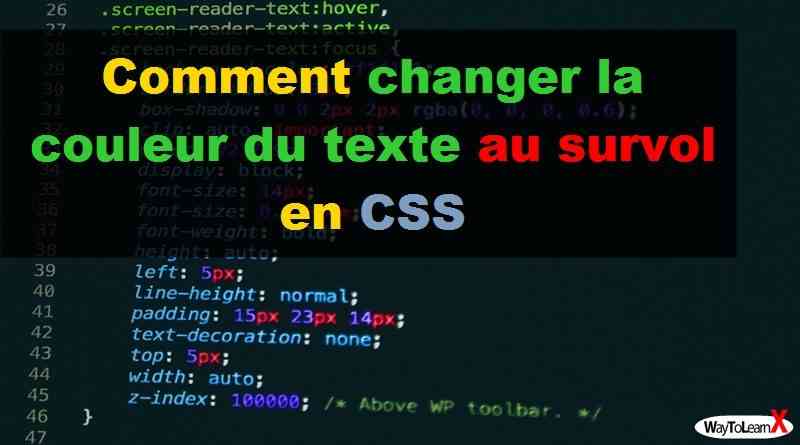
- Can be a bit clunky and impact SEO (search engine optimization) because of the separate HTML structure.
- Difficult to communicate between the iframe and the main page (e.g., to update the song title).
Honestly, I would only recommend this as a last resort.
2. AJAX and Single-Page Applications (SPAs): The Modern Way
This is the cool way to do it. AJAX (Asynchronous JavaScript and XML) allows you to update parts of a page without reloading the whole thing. With frameworks like React, Vue.js, or Angular, you can build Single-Page Applications (SPAs) where navigation feels almost instantaneous because the browser only updates the necessary parts.
Pros:

- Seamless user experience.
- Better performance.
- Great for dynamic content.
Cons:
- Requires more JavaScript knowledge.
- Steeper learning curve if you’re not already familiar with SPAs.
- Initial page load can sometimes be slower (though subsequent navigation is much faster).
This is definitely the way to go if you are building a modern web application.
3. Using Local Storage: The Clever Compromise
If you don’t want to go full SPA, but still want to persist the audio player state across page loads, you can use local storage. This involves storing the audio player's state (current time, song title, etc.) in the browser's local storage. Then, on page load, you can retrieve this information and restore the audio player to its previous state.
This approach requires writing Javascript code to save and restore the state of the audio player at appropriate times.
Important note: Choosing the right method depends on the complexity of your website and your development skills. If you’re building a simple site with just a few pages, iframes might be a quick fix. But if you're aiming for a smooth, modern experience, SPAs are the way to go. Local storage can also be a very useful addition to any approach.
So there you have it! No more abrupt musical interruptions. Now go forth and build websites that keep the tunes flowing. Your users (and my inner child) will thank you!