Okay, so, picture this: I'm frantically searching through my messy desktop (we've all been there, right? Don't lie!), looking for a report I swear I finished last night. And the deadline? Looming. Found it! Victory! ...But wait. The page de garde is... well, let's just say it looks like a toddler attacked it with crayons and Comic Sans. Not exactly the professional impression I was going for.
That's when it hit me: a good page de garde is like a good handshake. It's your first impression. It tells the reader, "Hey, I'm organized, I care about details, and I'm not going to waste your time." So, let's ditch the crayon look and level up our report game, shall we?
Why Bother With a Page de Garde, Anyway?
Seriously, in a world of digital documents and instant access, does anyone even notice the page de garde? Absolutely! Think of it as your report's little introduction. It serves a few key purposes:
- Identification: Clearly states what the report is about. Duh, right? But you'd be surprised how many reports end up mysteriously titled "Document1.docx." Don't be that person.
- Branding (Optional): For company reports, it's a chance to slap on your logo and look all professional. Think of it as your report wearing a tiny business suit.
- Information Central: Important details like your name, the date, and any confidential markings go here. It's like the report's passport.
- Structure: A well-designed page de garde gives a feeling of order and professionalism from the get-go. It suggests the report itself will be equally well-structured.
The Essential Ingredients of a Page de Garde
What exactly should be on this magical page? Here's a breakdown of the essentials:

- Title of the Report: Obvious, but make it clear and concise. Avoid overly long or ambiguous titles. Nobody wants to read "A Deep Dive into the Analysis and Subsequent Evaluation of the Hypothetical Implications Arising From the Implementation of Project X." Just call it "Project X Report."
- Your Name (or Team's Name): Who's responsible for this masterpiece? Let people know!
- Date: Super important! This tells people when the report was finalized. Future you will thank you for this.
- Institution or Company (If Applicable): If it's for school or work, include the name.
- Course or Project Name (Again, If Applicable): Provides context for the report.
Making It Look Good (Without Going Overboard)
Okay, so we know what to include, but how do we make it look good? The key is simplicity and clarity. Avoid these common pitfalls:
- Too Much Clutter: Resist the urge to cram every piece of information onto one page. Less is more!
- Ugly Fonts: Comic Sans is never, ever the answer. Stick to professional, readable fonts like Arial, Times New Roman, or Calibri. (Yes, I know, Calibri is boring, but it's safe!)
- Low-Resolution Images: If you're using a logo or image, make sure it's high-quality. Pixelated images scream "amateur."
- Inconsistent Formatting: Keep the formatting consistent with the rest of the report. It should feel like a cohesive document.
Think of the page de garde as the appetizer to your delicious report meal. It sets the stage, whets the appetite, and (hopefully) leaves the reader wanting more. Good luck!

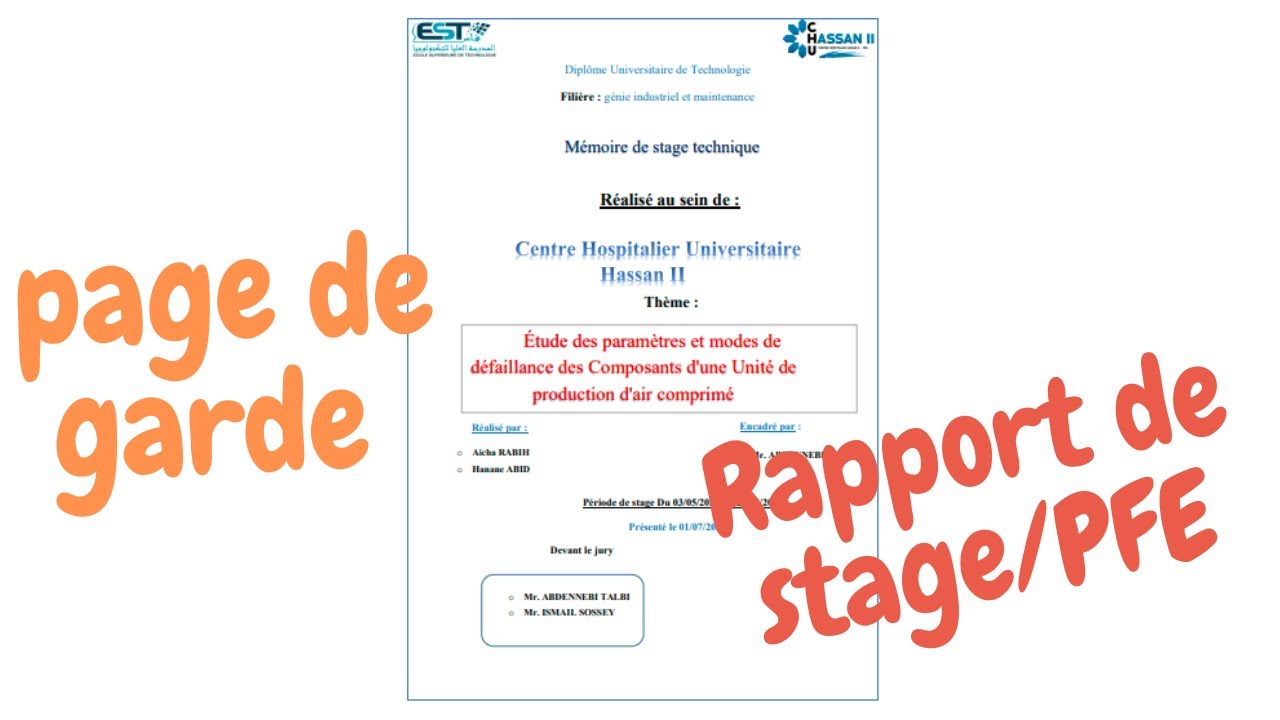
![[WORD] Un exemple de page de garde pour votre rapport de stage](https://blogger.googleusercontent.com/img/b/R29vZ2xl/AVvXsEh3ltPGuJCtcXQ3MV6t-VArAQprAh2CUOlYJNZXcFPlfvP8oUwbJZvIO1_4dyZs1emdVS7URvRiF50eMNtD54QXv7ToMDyAmreUjzu9JvW26hfQmVaQwRkIAlEW-CO3YhM3E2HmcEitxh8n/w1200-h630-p-k-no-nu/page+de+garde+rapport+de+stage+word+2019.PNG)
![[Docx] Page de garde Business pour rapport](https://blogger.googleusercontent.com/img/b/R29vZ2xl/AVvXsEh6fRwjaACQBFANIN0_7nHqM_RDOTAEnowqa98T8DHSaPi4F4hzhECpIrLyRLePDIoRO1Xqq5X7sxOyFuXNt91fl9HF1_8tVsesJiPk0jZaeAWCz1zFBfhDwtdl-esvvPHtiN0EnqtqXIpM/w1200-h630-p-k-no-nu/Modele+Page+de+garde++Business+pour+rapport.PNG)


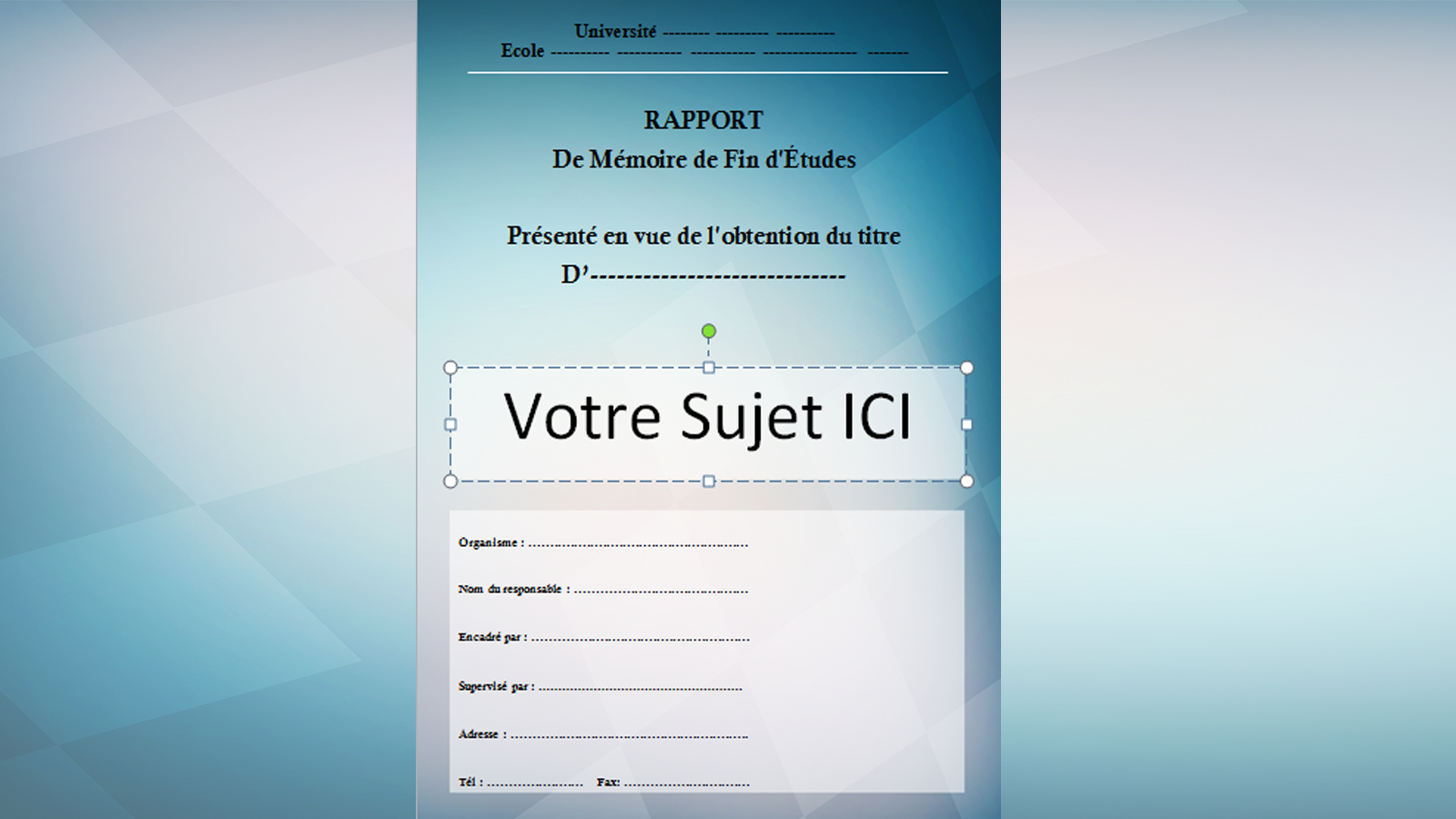

![[Docx] Un Modèle Gratuit De Page De Garde Word 2025 LArt de la Première](https://4.bp.blogspot.com/-qsFTsOmjK3g/VF_cZtdd15I/AAAAAAAACJ4/czP2AEXuh18/w1200-h630-p-k-no-nu/modele+page+de+garde+gratuit+word.PNG)

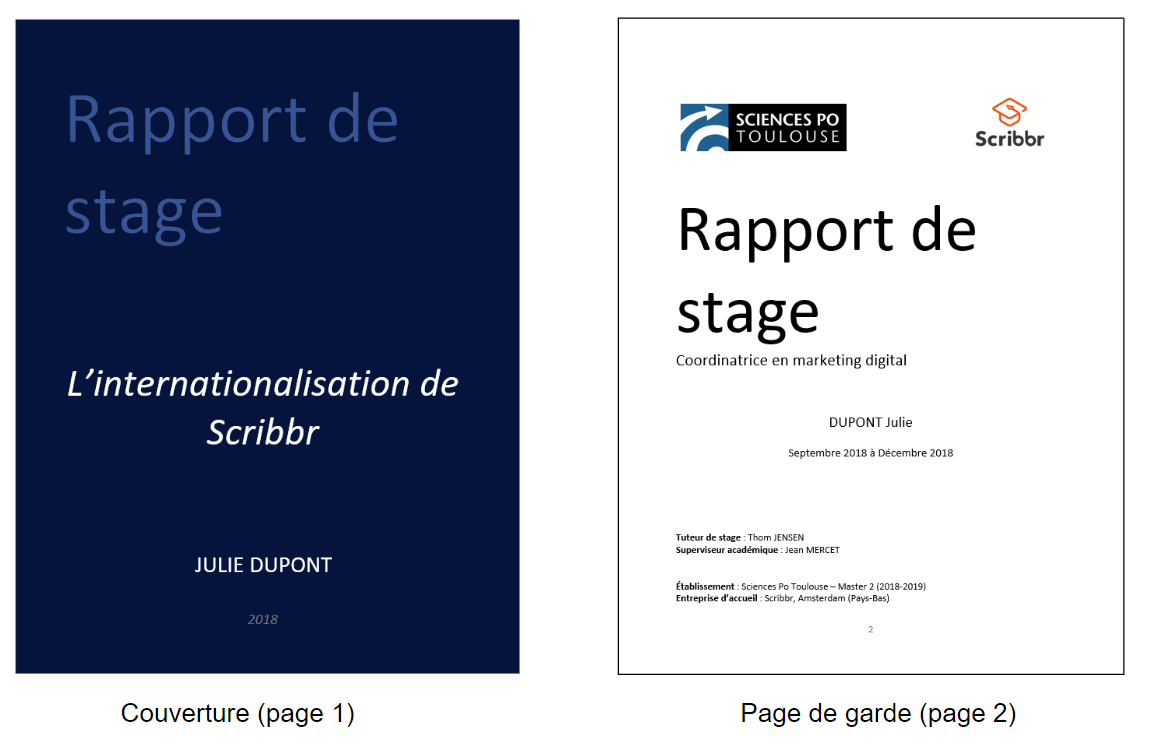



![[Docx] Telecharger page de garde rapport de stage](https://blogger.googleusercontent.com/img/b/R29vZ2xl/AVvXsEjTxsyvBxgPtVONQ87Q3EIbcAJROqZqGWpnmTIE9ZjmojEsOWSQHbfjAX692Z1Q9uxZUnW1SIc2heLipJNU5-WxzdtS8yMPVtUK1adJubibPMaAG2iUtJPHLgaw5dWsVIdmbisPXMH1mhLT/w1200-h630-p-k-no-nu/telecharger+page+de+garde+rapport+de+stage.PNG)