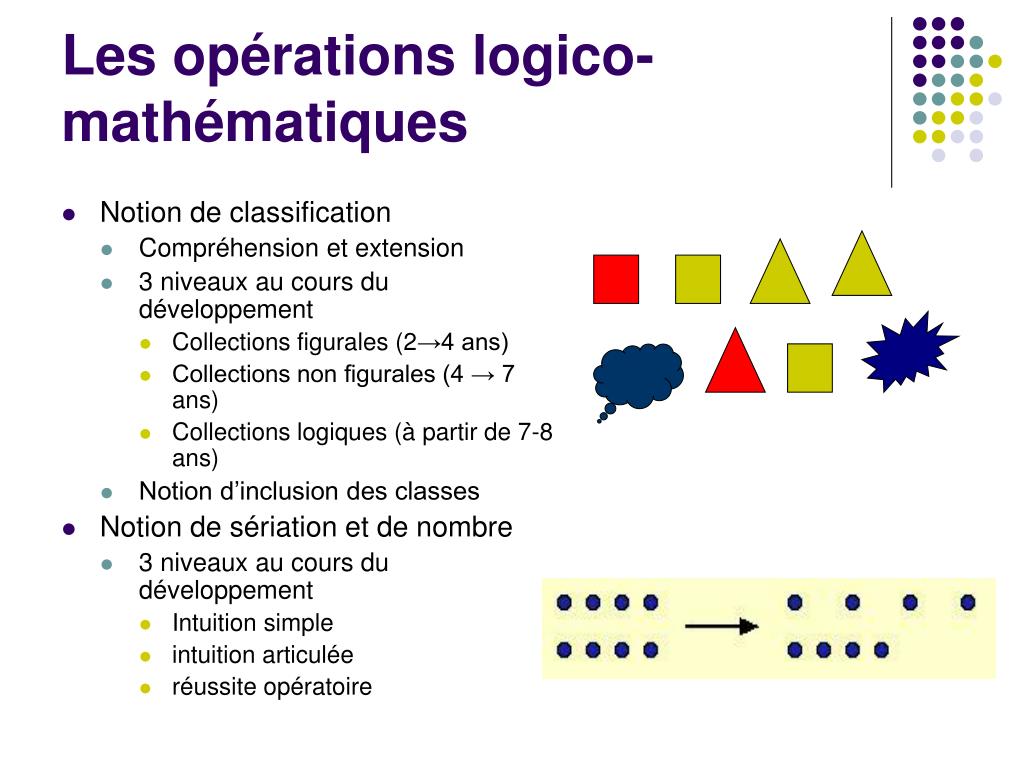
Alright, imagine this: I'm making crêpes for a brunch with friends. It's a culinary disaster waiting to happen, I tell you! I'm juggling flour, milk, eggs... my brain's doing overtime trying to figure out if I have enough ingredients. "Do I have enough milk AND enough eggs?" I mutter, staring intensely at the almost-empty carton. If the answer is yes, crêpes are go! If not, well, it's toast for everyone. My internal monologue, my friends, is a mini-computer doing logical operations right there in the kitchen.
That frantic internal calculation got me thinking about how computers, unlike my flour-covered self, handle these kinds of decisions with effortless speed and precision. Which leads us to the meat of the matter: How exactly does a program perform logical and arithmetic operations? It's way cooler than figuring out if you have enough milk, trust me.
The Magic Behind the Curtain: Logic and Arithmetic
So, what are we even talking about? We're talking about the fundamental abilities that allow a computer to, well, compute! Forget fancy AI for a moment. Basic math and logic are the bedrock of all computing. It's the reason your phone can calculate the tip at a restaurant and your computer can render that incredibly detailed video game world.
Let's break it down:
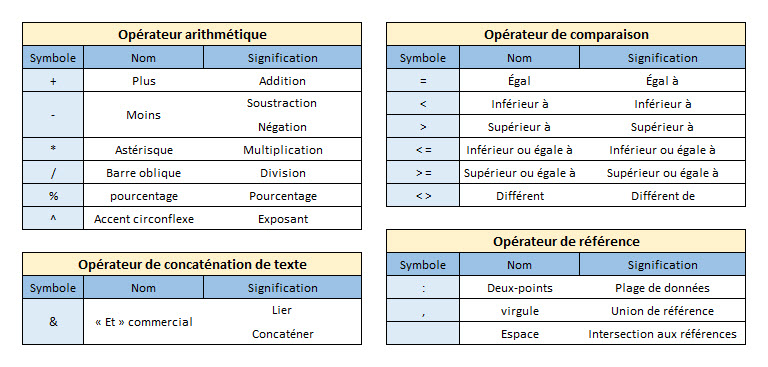
- Arithmetic Operations: This is your bread and butter (or should I say, crêpe and Nutella?) math. Addition, subtraction, multiplication, division – the whole shebang. Computers excel at these. We're talking blazing fast calculations with incredibly large numbers. Try multiplying a 20-digit number by another one in your head. Yeah, good luck with that!
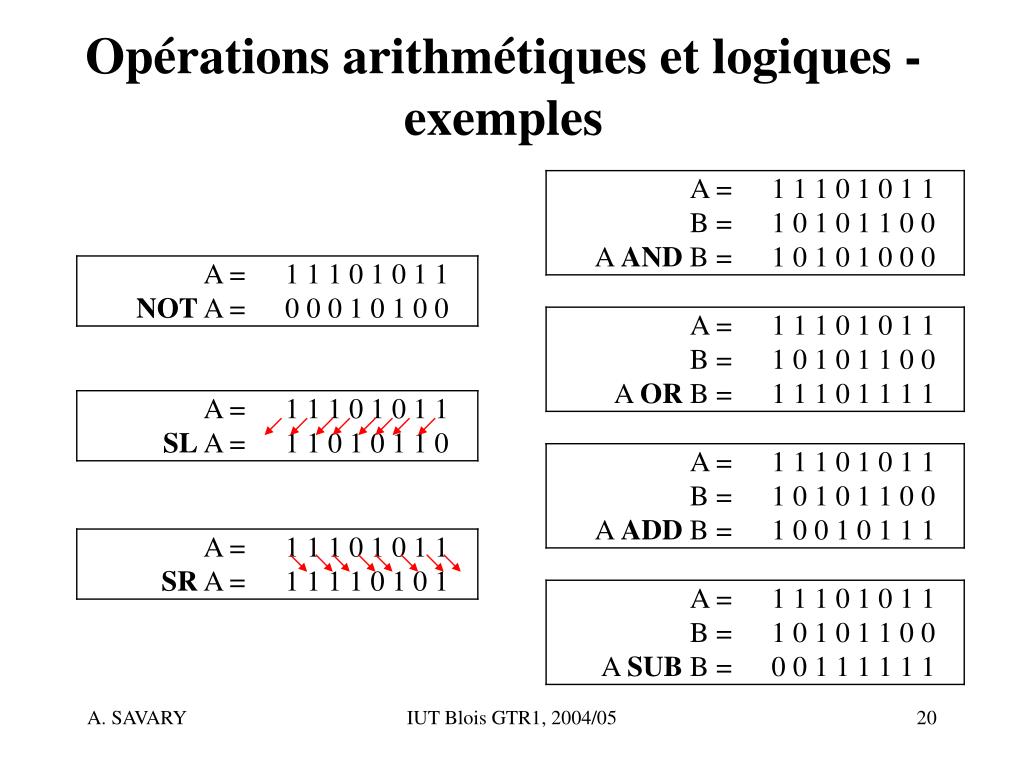
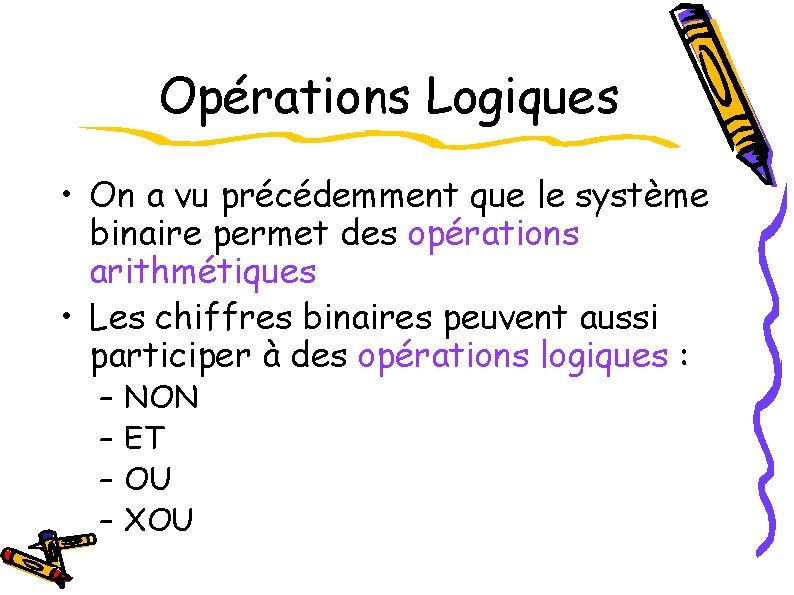
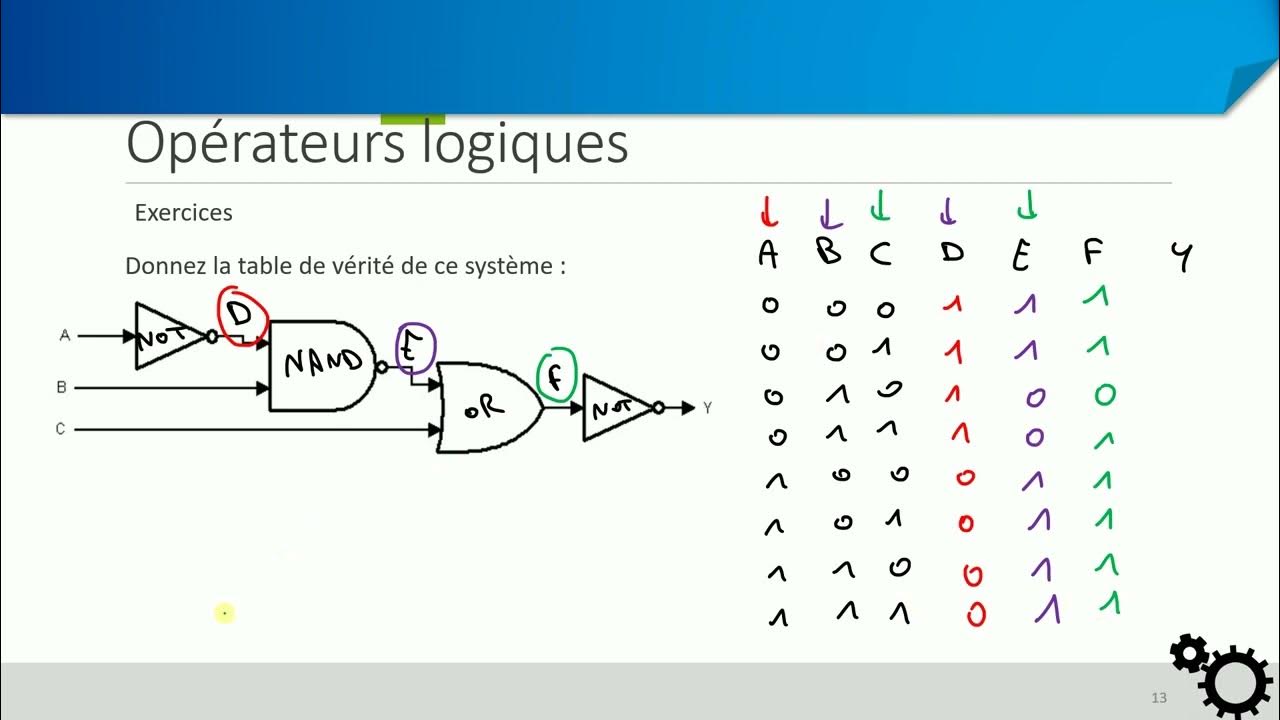
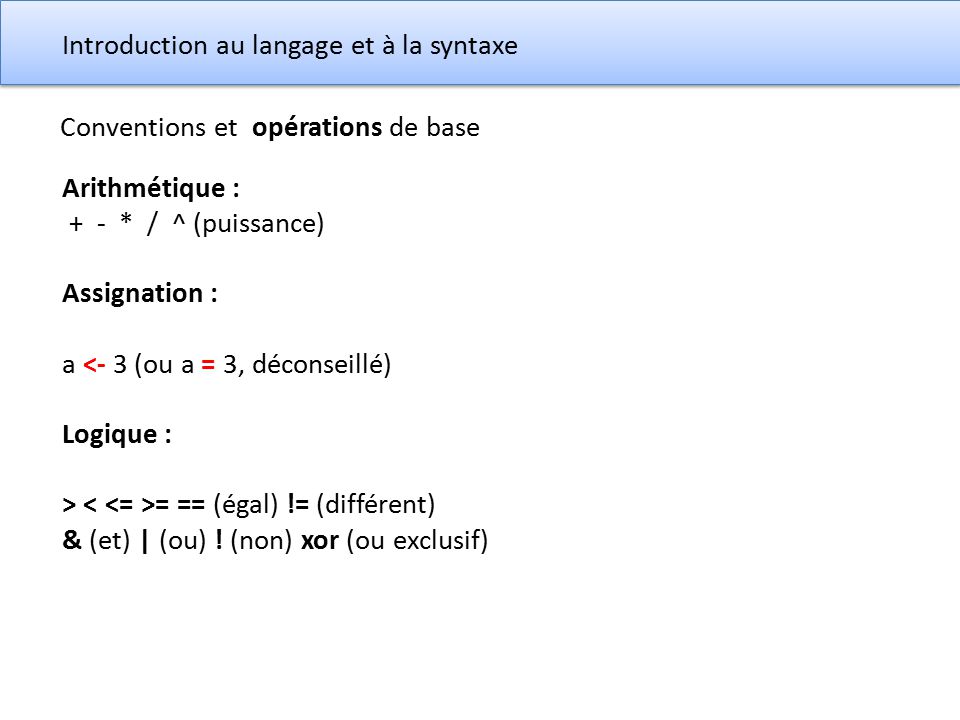
- Logical Operations: This is where things get a little more... logical (duh!). These operations deal with truth and falsehood. Think of it as the computer making decisions based on conditions. It uses operators like AND, OR, NOT to evaluate these conditions. (Remember my crêpe crisis?)
Think of it like this: Arithmetic is the how much, logic is the if/then.
How a Program Does It: From Code to Calculation
Okay, so we know what they do. But how do they do it? This is where we get into the nitty-gritty of programming. Basically, a programmer writes instructions in a language that the computer can understand (think Python, Java, C++, etc.). These instructions are then translated into machine code – a series of 0s and 1s that the computer's central processing unit (CPU) can execute.

Side note: machine code is not fun to read. Trust me. We leave that to the machines.
Here's a simplified example using Python:
x = 10
y = 5

# Arithmetic operation
sum = x + y
print(sum)  # Output: 15

# Logical operation
if x > y:
  print("x is greater than y") # Output: x is greater than y
In this example, the first part calculates the sum of `x` and `y`. The second part uses a logical operation (`x > y`) to check if `x` is greater than `y`. If the condition is true (which it is!), the program prints a message. Simple as that!
But underneath the surface of those few lines of code lies a complex process. Here's a glimpse:
Step-by-Step: The Arithmetic Operation
- Code Interpretation: The Python interpreter reads the line `sum = x + y`.
- Variable Retrieval: It retrieves the values stored in the variables `x` and `y` (10 and 5, respectively).
- Instruction to CPU: It sends an instruction to the CPU to perform the addition operation.
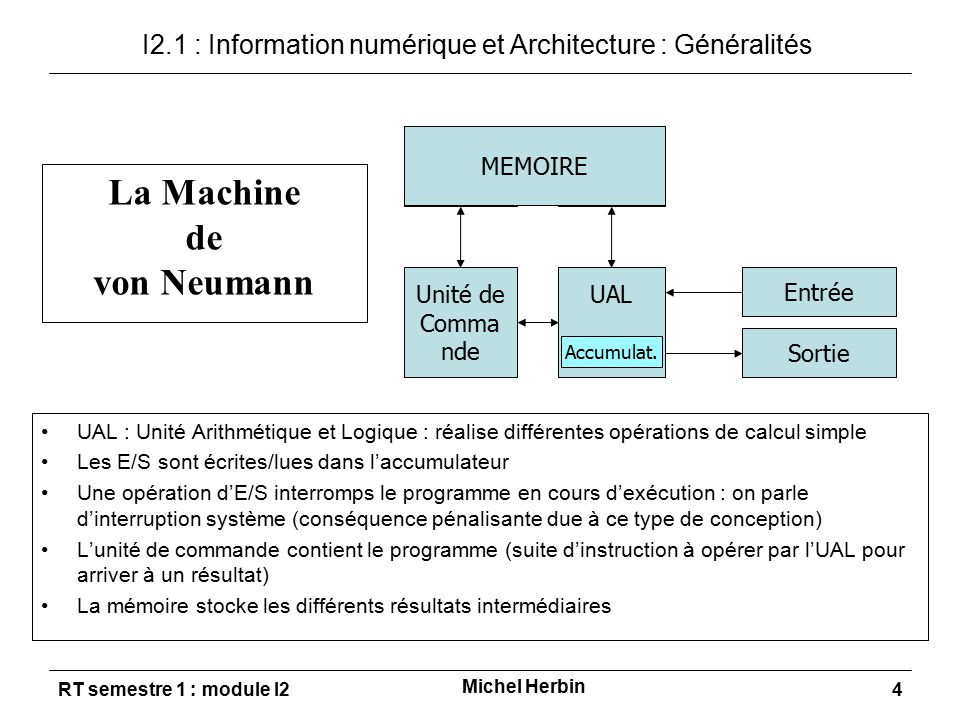
- ALU to the Rescue: The CPU's Arithmetic Logic Unit (ALU) – a specialized circuit for performing arithmetic and logical operations – performs the addition. (The ALU is like the brain of the calculation!)
- Result Storage: The result (15) is stored in memory, and the variable `sum` is updated to point to this memory location.
- Output: Finally, the `print(sum)` command displays the result to the user.
See? More complicated than crêpe-making... maybe.
Step-by-Step: The Logical Operation
- Code Interpretation: The Python interpreter reads the `if x > y:` statement.
- Variable Retrieval: It retrieves the values of `x` and `y` (again, 10 and 5).
- Comparison: The ALU compares `x` and `y` to see if `x` is greater than `y`.
- Truth Value: The ALU determines that the condition is `TRUE` (because 10 is indeed greater than 5).
- Conditional Execution: Based on the `TRUE` value, the interpreter executes the code block within the `if` statement (the `print` statement).
- Output: The message "x is greater than y" is displayed.
The Power of Combining Operations
The real power comes from combining arithmetic and logical operations. Think about a game: The game engine uses arithmetic to calculate physics (trajectory of a projectile, collision detection, etc.) and logical operations to determine game state (is the player dead? Has the level been completed?). It's a constant dance of calculation and decision-making.

Another example: Machine learning algorithms rely heavily on matrix multiplication (arithmetic) and logical comparisons to train models and make predictions. It's all interwoven.
Consider a program that calculates the area of a triangle only if the base and height are positive numbers:
base = 5
height = -2

if base > 0 and height > 0:
  area = 0.5 * base * height
  print("The area of the triangle is:", area)
else:
  print("Base and height must be positive numbers.")
Here, the `AND` operator combines two logical conditions: `base > 0` and `height > 0`. Only if both conditions are true will the area calculation be performed. This is a crucial use of logic to ensure the program doesn't perform invalid calculations.

Beyond the Basics: More Complex Operations
We've only scratched the surface. As you delve deeper into programming, you'll encounter more complex arithmetic operations (like exponentiation, modulo) and logical operations (like bitwise operations, which operate directly on the binary representation of data). You'll also learn about data structures and algorithms that optimize how these operations are performed.
The key takeaway is this: Understanding how computers perform basic arithmetic and logical operations is fundamental to understanding how software works. It's the foundation upon which all complex computations are built.
And hey, maybe next time I'm facing a crêpe-related crisis, I'll write a Python script to figure out the ingredient ratios. Just kidding... probably. But it's good to know the tools are there!




![Construire un processeur 4 bits : [Part-4] L'Unité Arithmétique et](https://i.ytimg.com/vi/C-8iLpznhNo/maxresdefault.jpg)