Okay, picture this: I'm rummaging through my grandma's attic. Dust bunnies the size of small dogs everywhere, cobwebs that could double as Halloween decorations, and the distinct smell of forgotten dreams. I stumble upon this ancient box. Inside? Floppy disks. Floppy disks! I almost choked on the dust. I hadn't seen one of those things since, like, the Jurassic period of personal computing. It got me thinking: man, how far has storage technology come?
Which brings me to today's burning question: let's take a trip down memory lane (or rather, memory chip lane) and explore the evolution of data storage, from the absolute oldest to the super-shiny newest. Get ready for a slightly geeky, but hopefully entertaining, journey! And remember, no judgment if you're rocking a USB drive that's older than some internet memes.
Ancient History: When Storage Was… Well, Massive
Let's start way, way back. Like, before personal computers were even a twinkle in someone's eye.
Punch Cards: The OGs of Data
Think of these as the cave paintings of the digital age. Cards with holes strategically punched in them represented data. They were used for everything from controlling looms (seriously!) to early computer programming. Imagine programming your Netflix subscription using a stack of punch cards. shudders
Fun fact: The Jacquard loom, using punch cards, was invented in 1801. Talk about forward-thinking!
Practicality rating: About as practical as using a carrier pigeon to send emails. Cool for historical value, though!
Magnetic Tape: The Reel Deal
Moving up a notch, we have magnetic tape. Think of those old-school cassette tapes, but much bigger and used to store computer data. They were initially popular for their high capacity (relatively speaking, of course) and relatively low cost. Banks and large organizations loved them for backups.
Pros: Relatively cheap for the storage capacity, could hold a LOT of data compared to punch cards (we're talking about megabytes, people! Luxury!).
Cons: Slow access times, linear access (you had to rewind/fast-forward to find what you were looking for), bulky.
Side note: You might be surprised to know that magnetic tape is still used today in some scenarios for archival purposes! Who knew the dinosaur lived on?

The Rise of the Disk: Accessing Data Faster
Then came the glorious era of random access! No more rewinding for hours to find that one specific file.
Floppy Disks: The Clickety-Clack King
Ah, the floppy disk. Remember that satisfying clickety-clack sound when you inserted one into your computer? These bad boys came in various sizes (8-inch, 5.25-inch, and the ubiquitous 3.5-inch). They were the way to transport files, install software, and… well, get viruses. Sorry, had to mention it!
Why they were cool: Portable (ish), relatively cheap, a significant step up from magnetic tape in terms of accessibility.
Why they're gone: Low capacity (think 1.44MB for a 3.5-inch disk!), unreliable, easily damaged, and… did I mention viruses?
Personal anecdote: I remember struggling to fit a single JPEG image onto a floppy disk back in the day. Kids these days have no idea how good they have it!
Hard Disk Drives (HDDs): The Spinning Platters of Power
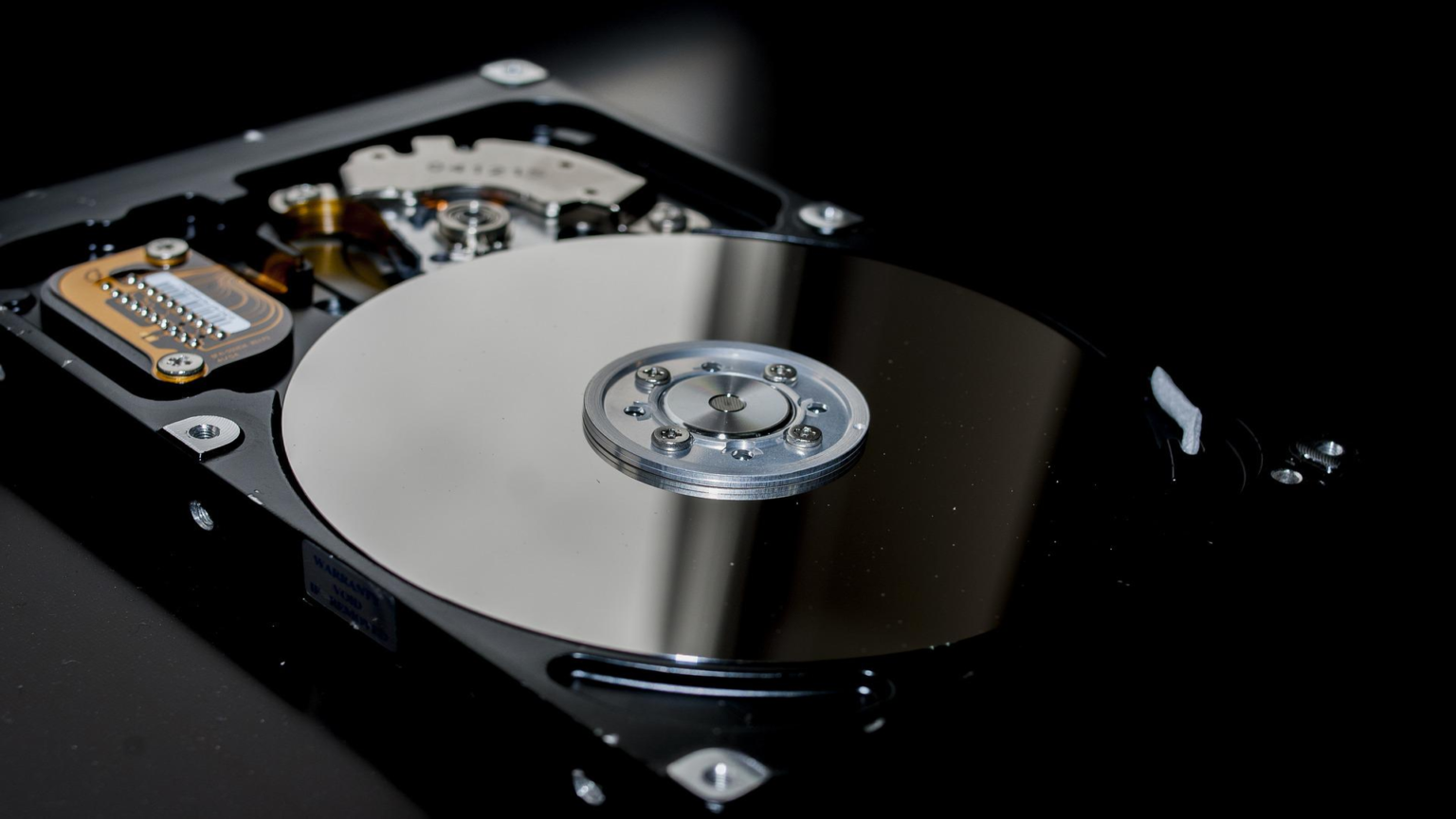
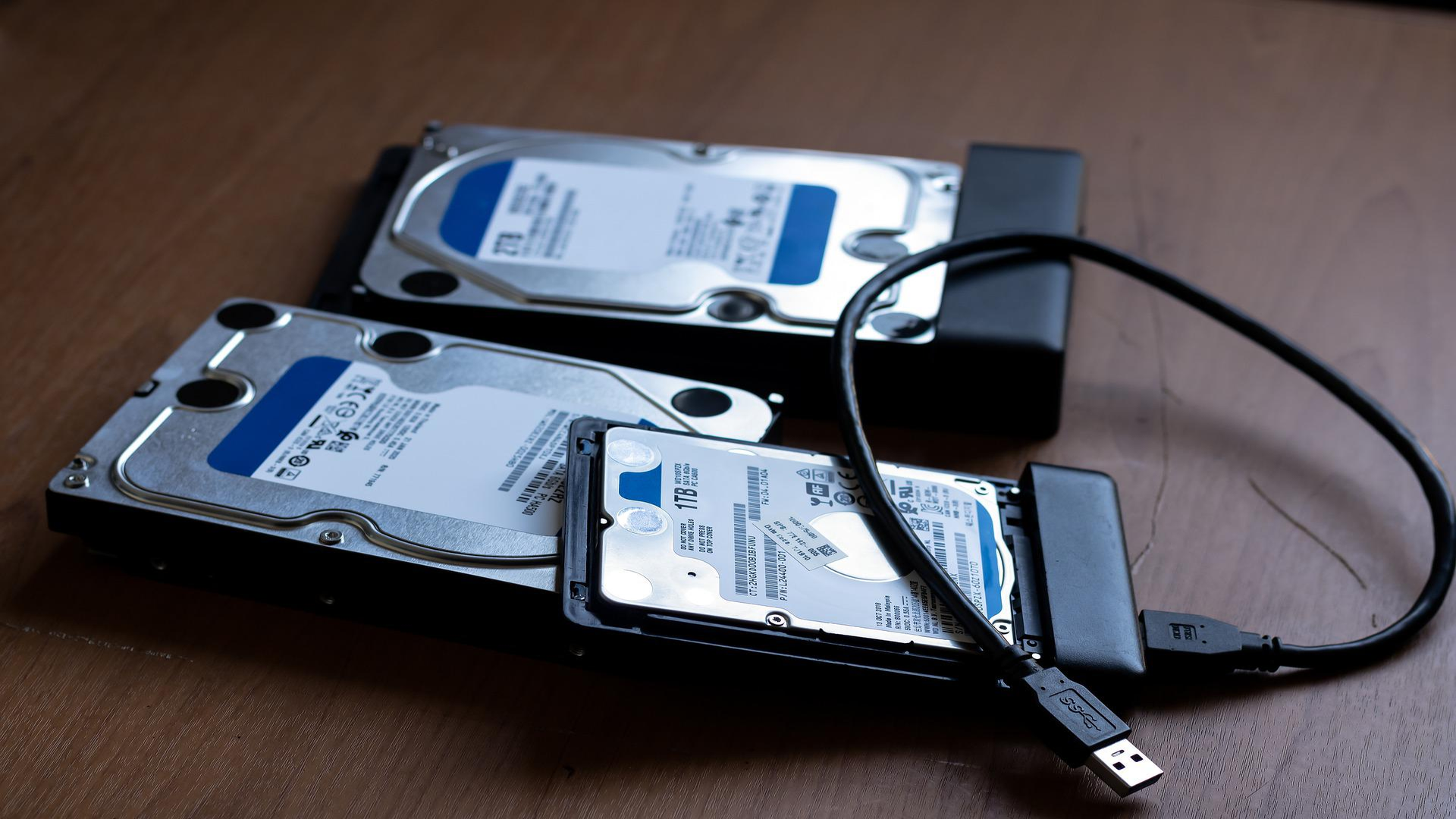
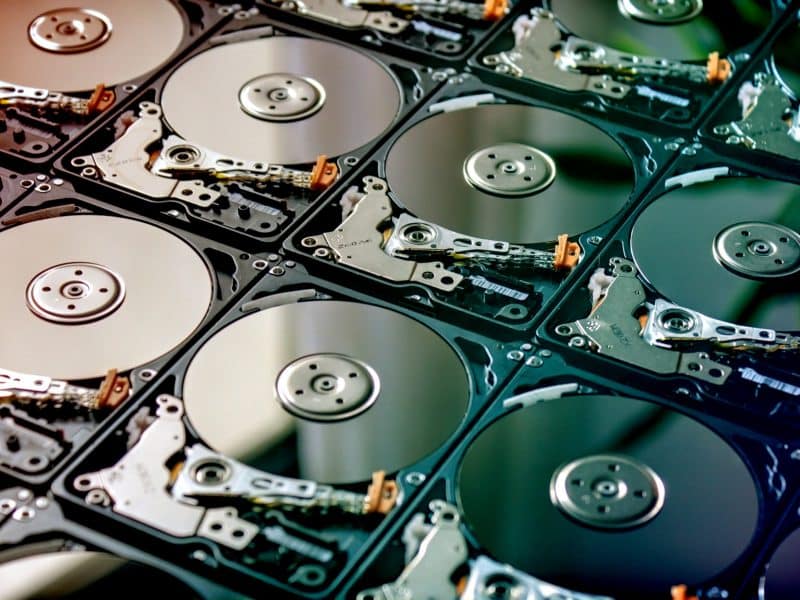
Finally, we get to something that could actually store a decent amount of data! Hard disk drives used spinning platters coated with magnetic material to store data. They were faster and had much higher capacity than floppies.
Pros: Higher capacity (we're talking gigabytes now!), faster access times than floppies, relatively affordable.
Cons: Mechanical components (prone to failure), susceptible to damage from physical shock, relatively power-hungry.
Interesting tidbit: Remember defragmenting your hard drive? That was the bane of everyone's existence back then. The goal was to rearrange the data on the disk to improve performance. Good riddance to that chore!
The Solid-State Revolution: No More Spinning!
The future is here, and it's solid-state! No more spinning platters, just lightning-fast access times and incredible durability.
Solid-State Drives (SSDs): The Speedy Gonzales of Storage
SSDs use flash memory to store data. This means no moving parts! Result? Blazing-fast boot times, application loading, and overall system responsiveness. Plus, they're much more resistant to physical shock than HDDs.
Why everyone loves them: Speed, durability, lower power consumption, quieter operation.
The downside: Historically more expensive than HDDs (though the price difference is shrinking), and the lifespan can be limited by write cycles (though this is less of a concern for typical users these days).
Pro tip: If you're still using a computer with an HDD as its main drive, upgrading to an SSD is the single best upgrade you can make. Trust me!
USB Flash Drives: The Pocket-Sized Powerhouses
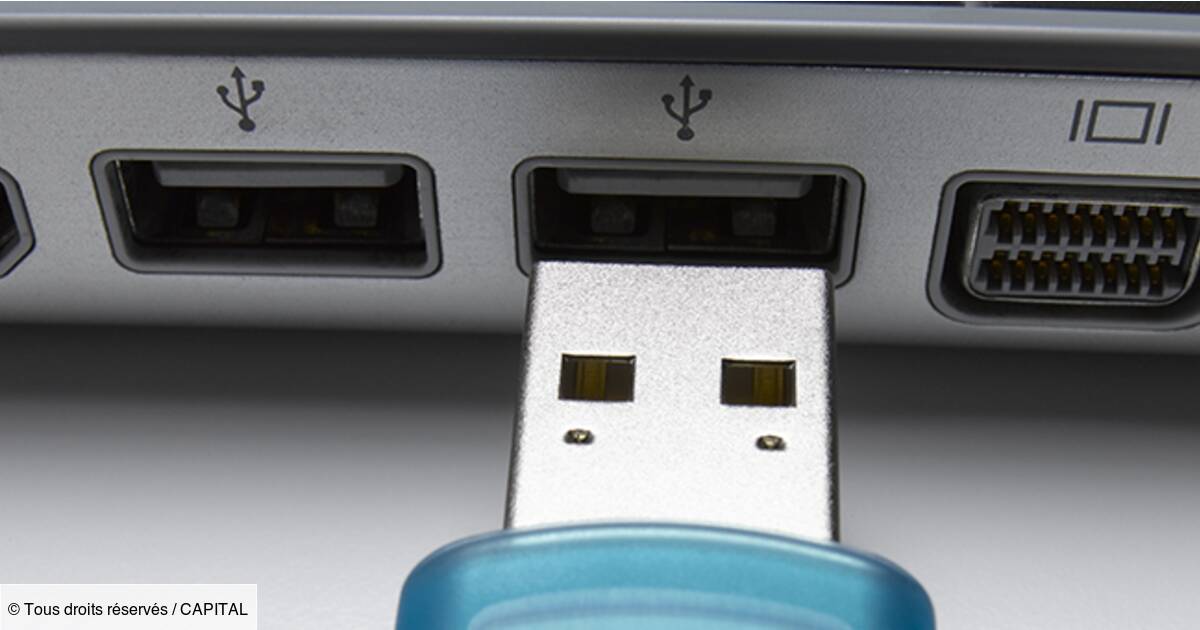
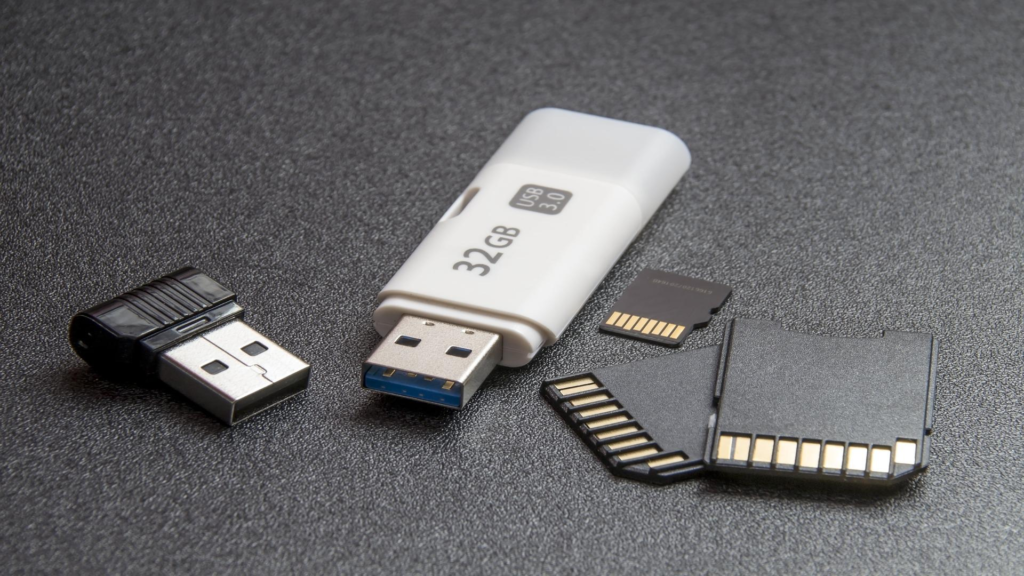
These ubiquitous little sticks are essentially miniature SSDs. They're incredibly convenient for transferring files between computers, backing up important data, and even booting operating systems.
Pros: Portable, relatively cheap, compatible with almost every computer, readily available in a wide range of capacities.
Cons: Can be easily lost, relatively slower than internal SSDs, can be susceptible to physical damage if not treated carefully.
Funny story: I once found a USB drive that someone had accidentally left in a laundromat washing machine. Surprisingly, it still worked! (Though I wouldn't recommend trying that yourself.)
Memory Cards (SD Cards, MicroSD Cards): The Tiny Storage Titans
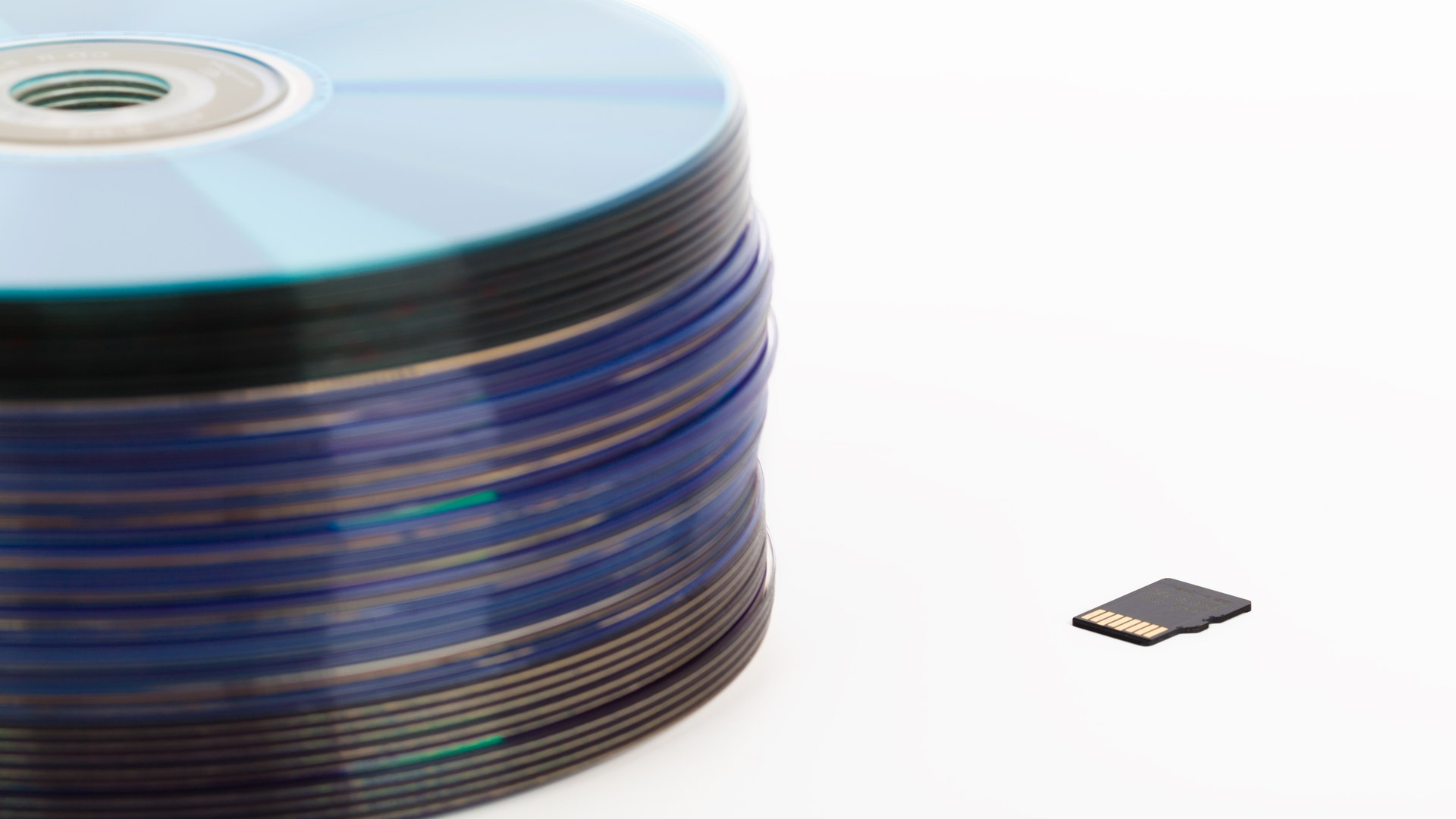
Found in cameras, smartphones, and other portable devices, memory cards offer a convenient way to expand storage capacity. MicroSD cards are especially impressive, packing a surprising amount of storage into a ridiculously small package.
Benefits: Small, portable, relatively inexpensive, widely compatible.
Drawbacks: Can be easily lost (especially MicroSD cards!), can be fragile, performance varies depending on the card's speed class.
The Cloud: Storage in the Aether
Finally, we arrive at the era of cloud storage. Your data is stored on servers located in data centers around the world, accessible from any device with an internet connection.
Cloud Storage (Google Drive, Dropbox, OneDrive, etc.): The Data Guardians in the Sky
Cloud storage offers unparalleled convenience and accessibility. You can sync your files across multiple devices, collaborate with others on documents, and back up your data securely offsite.
Why it's awesome: Accessibility, collaboration, automatic backups, scalability, no need to manage physical storage devices.
The catch: Requires an internet connection, relies on the security and reliability of the cloud provider, potential privacy concerns.
Food for thought: While cloud storage is incredibly convenient, it's always a good idea to have a local backup of your most important data as well. You know, just in case the internet suddenly disappears... (Okay, probably won't happen, but better safe than sorry!)
The Future of Storage: What's Next?
So, what does the future hold for data storage? Well, things are getting even more interesting! We're seeing the emergence of technologies like:
- 3D NAND Flash Memory: Stacking memory cells vertically to increase storage density.
- DNA Data Storage: Using DNA to store digital information. Talk about compact!
- Holographic Data Storage: Storing data in three dimensions using lasers.
The possibilities are endless! And who knows, maybe one day we'll be storing our entire digital lives on a single molecule. Crazy, right?
So, there you have it: a whirlwind tour of data storage history, from punch cards to the cloud. Hopefully, you found it informative, entertaining, and maybe even a little bit nostalgic. Now, if you'll excuse me, I'm going to go dig out those floppy disks again and see if I can still get my old Oregon Trail game to run. Wish me luck!