Okay, so picture this: Me, panicking the night before handing in my Master's thesis. Why? Not because of the content, oh no. That was (mostly) done. My crisis? The dreaded page de garde. I swear, I spent more time fiddling with margins and font sizes than I did on, like, actually proving my central argument. You know that feeling, right? The last-minute perfectionism that hits when the deadline's looming? Hence, this post. Let's talk about LaTeX page de garde. Because nobody should suffer like I did.
Why LaTeX for a Page de Garde? (Seriously!)
I know, I know. Word processors exist. But hear me out! LaTeX offers, dare I say it, control. Total, utter, beautiful control over your document's appearance. Plus, once you have a template set up, reusing it for future projects is a breeze. No more manual adjustments, no more squinting at your screen trying to align things perfectly. Think of it as an investment in your future sanity.
- Consistency: Imagine all your documents looking uniform and professional. LaTeX can do that!
- Automation: Define your style once, apply it everywhere.
- Professionalism: A well-formatted page de garde instantly elevates your work. (Perception is everything, right?)
Basic Structure: Code Time!
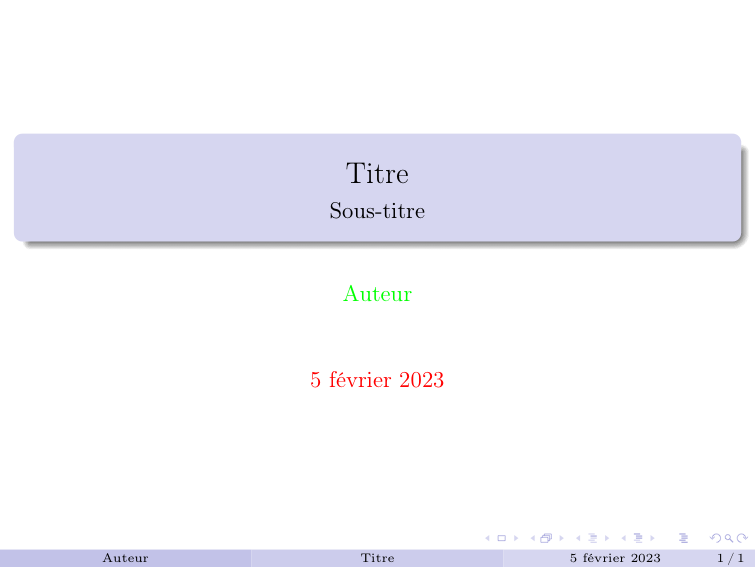
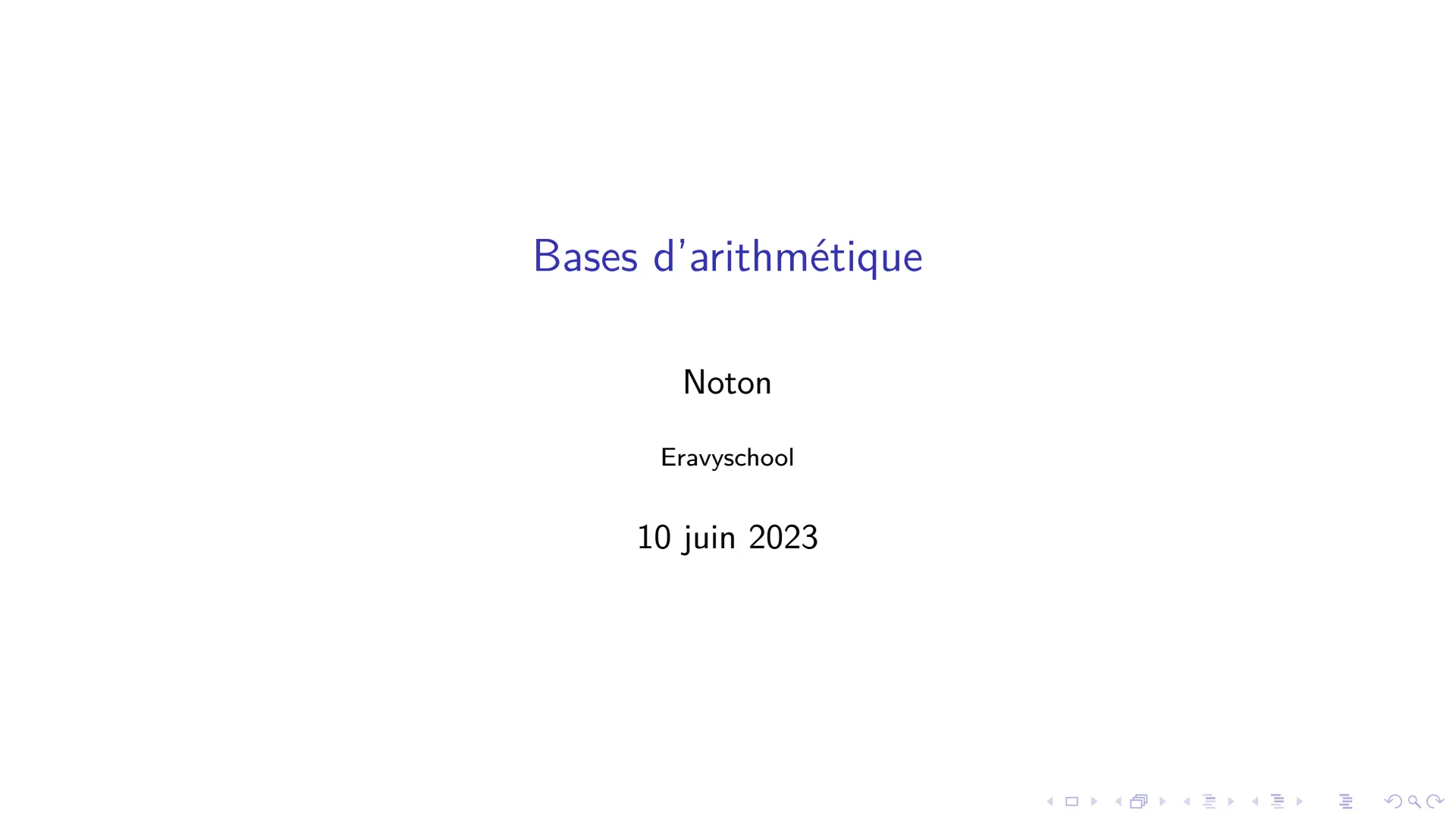
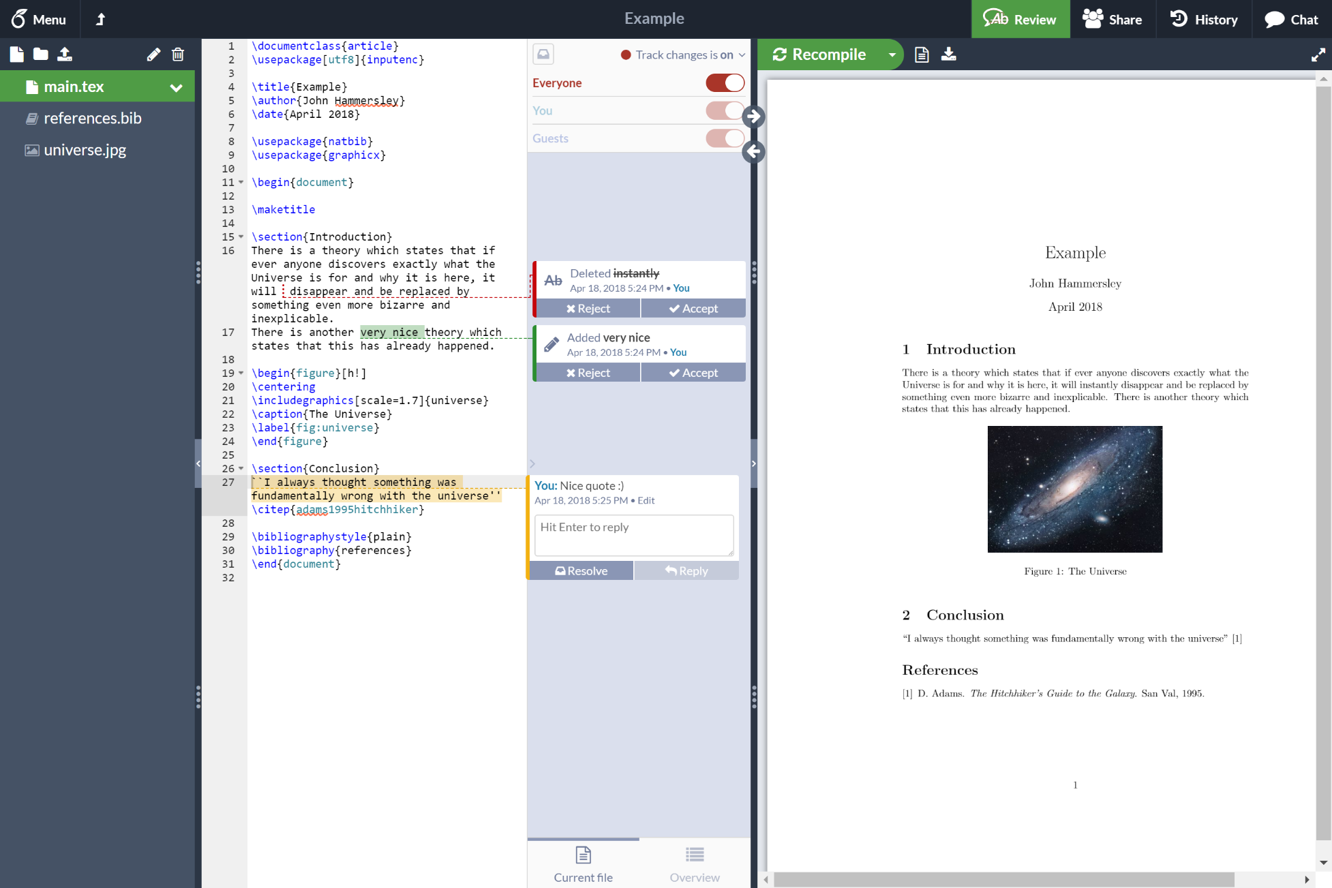
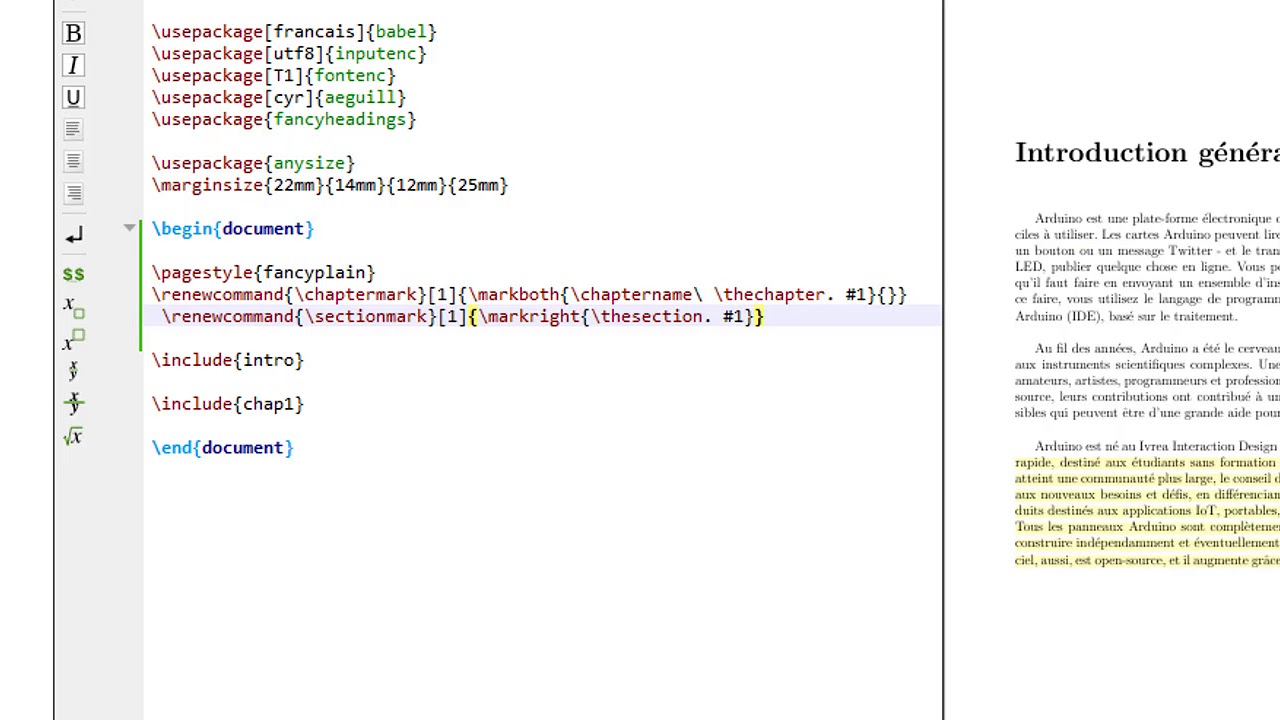
Let's get down to business. The basic structure for a page de garde in LaTeX usually involves defining some variables (like your name, the title of your document, etc.) and then using those variables to format the page. Here's a super simplified example:
Don't worry, you don't need to understand everything right away. Just focus on the general idea. Also, I'm assuming you have some basic LaTeX knowledge. If not, there are tons of great tutorials online. Seriously, Google is your friend. And so am I, kinda.

Here's a breakdown:
- Title: The title of your work. Needs to pop.
- Author: That's you, superstar.
- Date: When it was written or submitted. Usually the current date.
- Logo (Optional): Many institutions require their logo on the page de garde. Adding one is crucial to respect the rules!
Customization is Key
The beauty of LaTeX is its flexibility. You can customize everything to your heart's content! Change the fonts, the colors, the spacing... the possibilities are endless. Use packages like `geometry` to adjust margins, `graphicx` to include images (like a logo), and `titlesec` to further customize the formatting.

Side note: Don't go overboard with the customization! The goal is a clean, professional look, not a psychedelic explosion of fonts and colors. (Unless that's your style, I guess... but maybe save it for your personal blog, not your thesis.)
Tips and Tricks
- Use a Template: Don't reinvent the wheel! There are plenty of free page de garde templates available online. Find one you like and adapt it to your needs.
- Compile Often: Compile your document frequently to catch errors early. Nothing's worse than discovering a formatting issue five minutes before the deadline.
- Comment Your Code: Add comments to your LaTeX code to explain what each section does. This will make it easier to modify later. (Trust me, future you will thank you.)
- Don't Be Afraid to Experiment: Play around with different packages and commands to see what works best for you. The more you experiment, the better you'll become at LaTeX.
So, there you have it! A (hopefully) helpful guide to creating a page de garde in LaTeX. Remember, it might seem daunting at first, but with a little practice, you'll be churning out beautiful, professional-looking documents in no time. And hey, maybe you'll even avoid a last-minute thesis-induced panic attack like I did. Good luck!