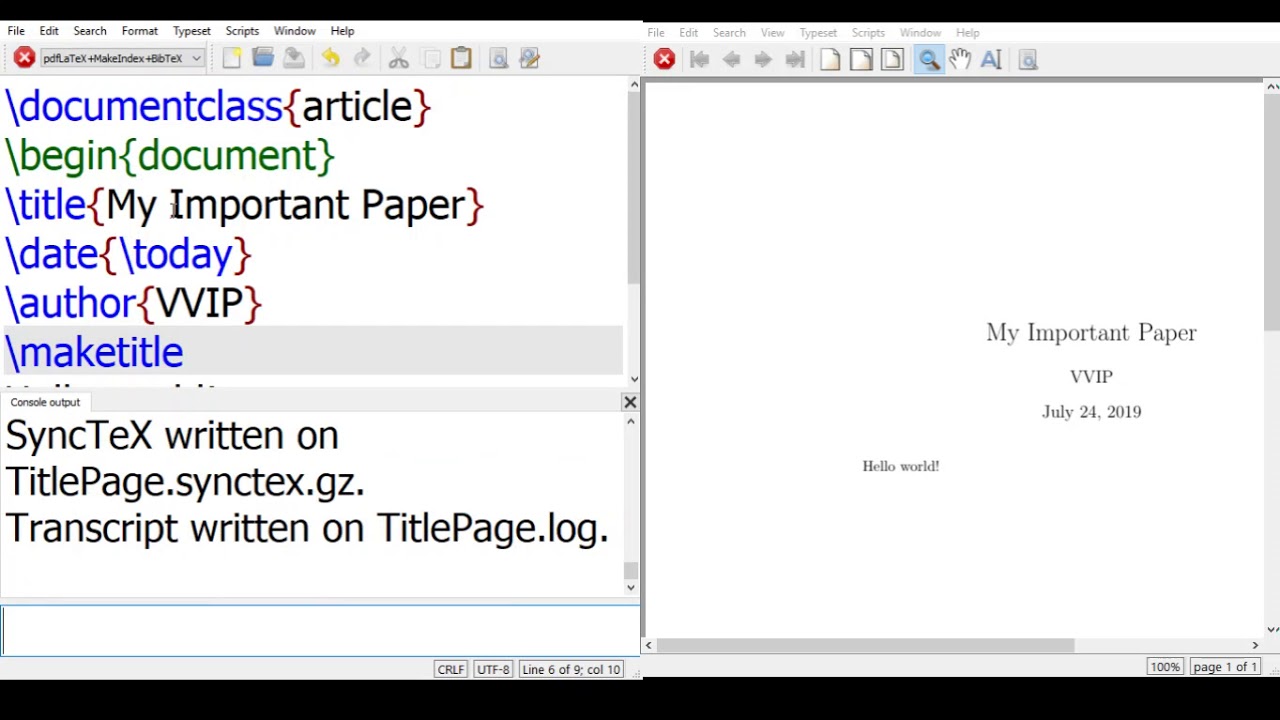
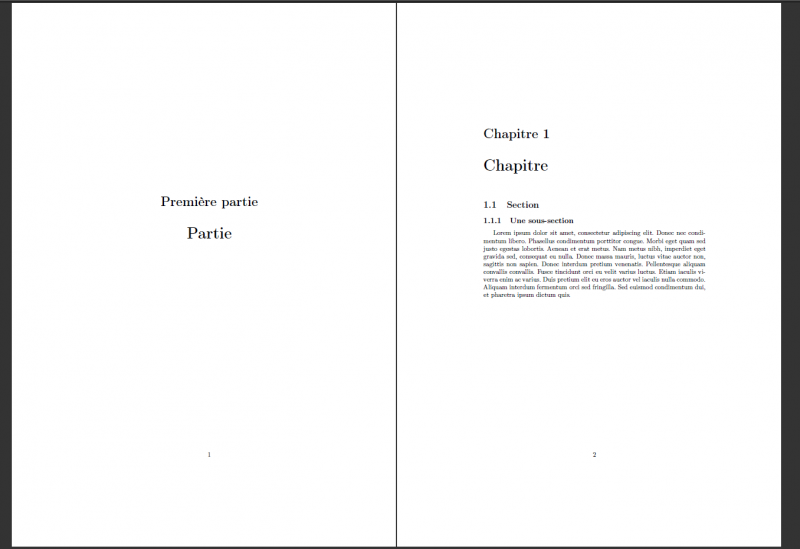
Okay, picture this: Me, staring blankly at my LaTeX document. It's 3 AM. Deadline looming. And the only thing standing between me and sweet, sweet sleep? The darn title on the cover page. It's stubbornly clinging to the top, looking all lonely and disoriented. I swear, LaTeX sometimes feels like it's designed to test your patience. You know, like it enjoys watching you suffer. Dramatic sigh Anyone else feel this?
This little midnight escapade is, of course, about centering that title on your LaTeX cover page. Seems simple, right? Wrong! If it were, I wouldn’t be telling this story, would I? The good news is, there are ways to tame the LaTeX beast and achieve that perfect, aesthetically pleasing centered title. So let's dive in!
Why is Centering in LaTeX… a Challenge?
LaTeX is amazing, don't get me wrong. But it’s also…particular. It’s all about the structure. It wants to know exactly what you want. It doesn't assume. Which is great, until you're trying to do something seemingly simple, like, you know, center text. It doesn't come naturally. You have to explicitly tell it to do so.
The default LaTeX environment often places things at the top of the page. Makes sense for a standard document, but not so much for a cover page, where you're going for a more balanced look. Imagine submitting a thesis where the title is hugging the top margin... shudders. Not a good look.
The Ways to Center Your Title (Finally!)
Alright, enough preamble. Let’s get practical. Here are a few approaches you can use:
- The
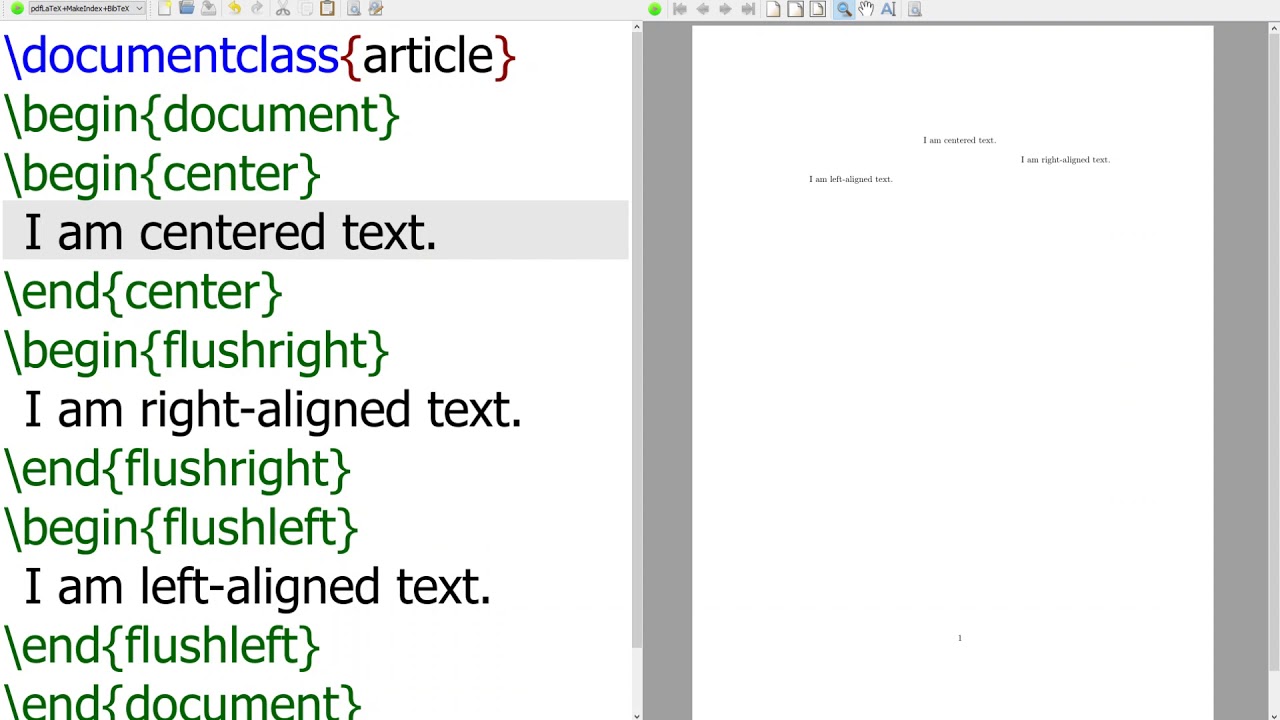
\centeringCommand: This is probably the simplest method. Put your title inside a\begin{center}…\end{center}environment, or use the\centeringcommand followed by your title. Don't forget to add some\vfillcommands before and after to push the title to the vertical center. - The
titlepageEnvironment: Using thetitlepageenvironment is the more standard way to create a dedicated title page. Inside this environment, you can use\centeringalong with strategic uses of\vspaceto precisely control the vertical position of your title and other elements. - The
geometryPackage: This is a bit more advanced, but worth knowing. Thegeometrypackage lets you define custom page margins. You can adjust the top and bottom margins to influence the overall vertical positioning of your content, including your title. Important! Be careful with this. Messing with geometry can have unexpected consequences for the rest of your document.
Example Code Snippets (Because You Need Them)
Okay, let's make this concrete:
Using the \centering Command:

\documentclass{article}
\begin{document}
\begin{titlepage}
\centering
\vfill
{\LARGE \bfseries My Awesome Title}
\vfill
\end{titlepage}
\end{document}
Using the titlepage Environment with \vspace:
\documentclass{article}
\begin{document}
\begin{titlepage}
\centering
\vspace{\fill} % Push everything to the bottom
{\LARGE \bfseries My Awesome Title\par}
\vspace{\fill} % Push everything to the top
\end{titlepage}
\end{document}
Final Thoughts (and a Word of Encouragement)
Centering a title on a LaTeX cover page might seem like a small detail, but it's one of those things that can elevate the overall look and feel of your document. Don't be afraid to experiment with different approaches and adjust the \vspace values until you achieve the desired result. Remember, LaTeX is a powerful tool, but it requires a bit of patience and a willingness to learn. And hey, if you’re still struggling at 3 AM, at least you know you're not alone!