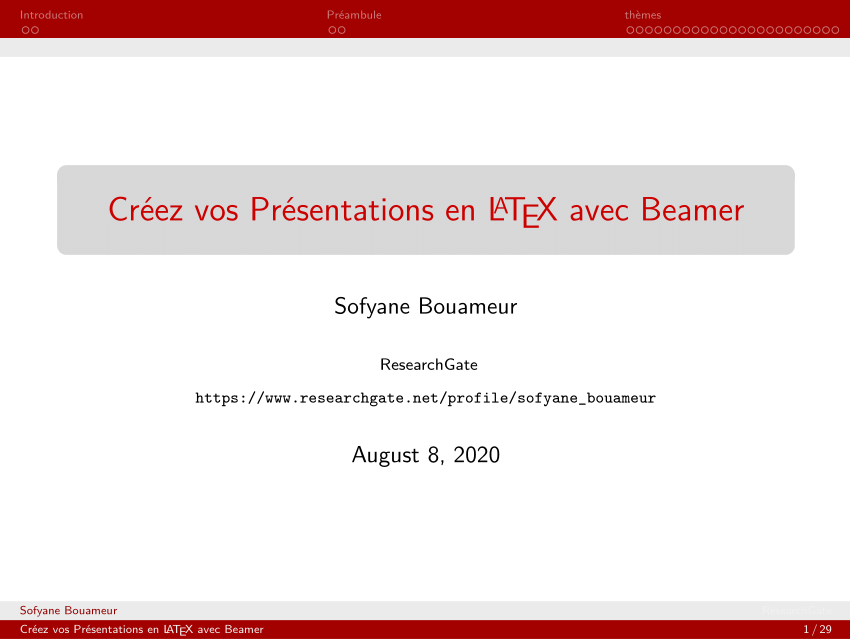
Okay, picture this: late night, deadline looming, staring blankly at a blinking cursor. Assignment due tomorrow morning, and I haven’t even started thinking about the page de garde. We’ve all been there, right? That moment of panic where you realize your perfectly crafted, academically rigorous document is going to be judged based on… a cover page. A cover page! The injustice! But hey, that’s life. And that’s where LaTeX, my coding companion in times of textual distress, comes to the rescue.
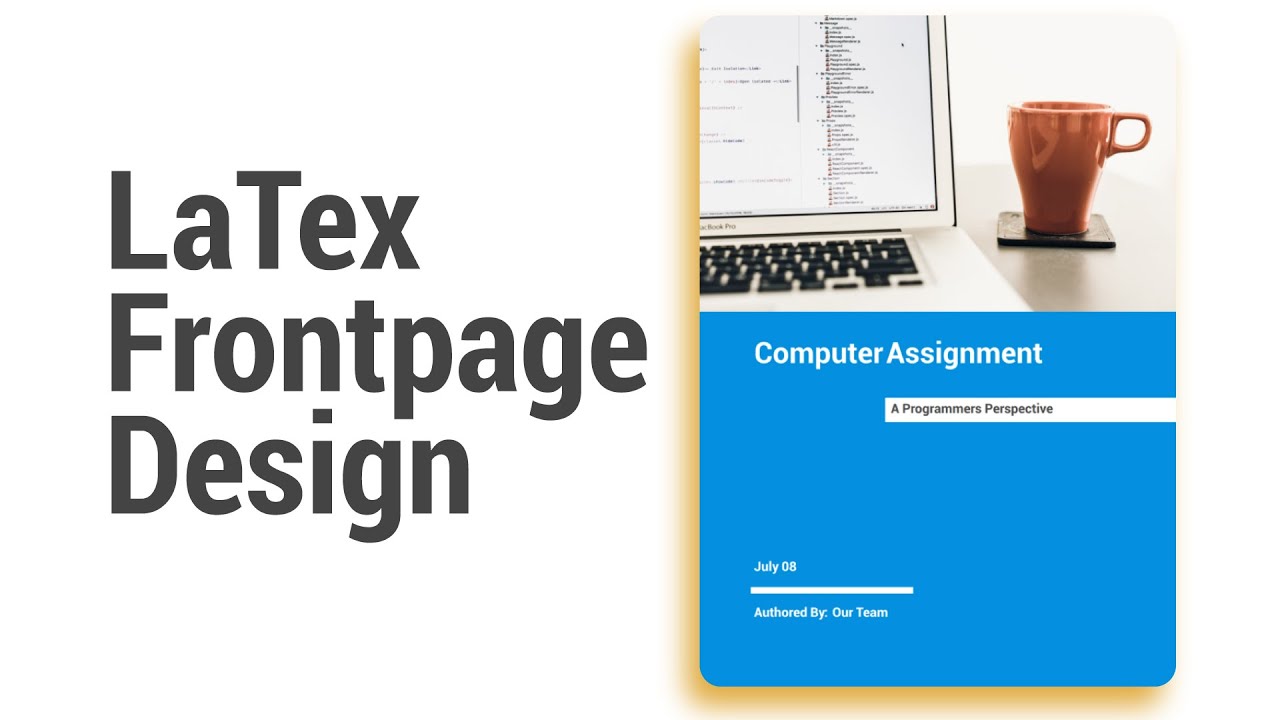
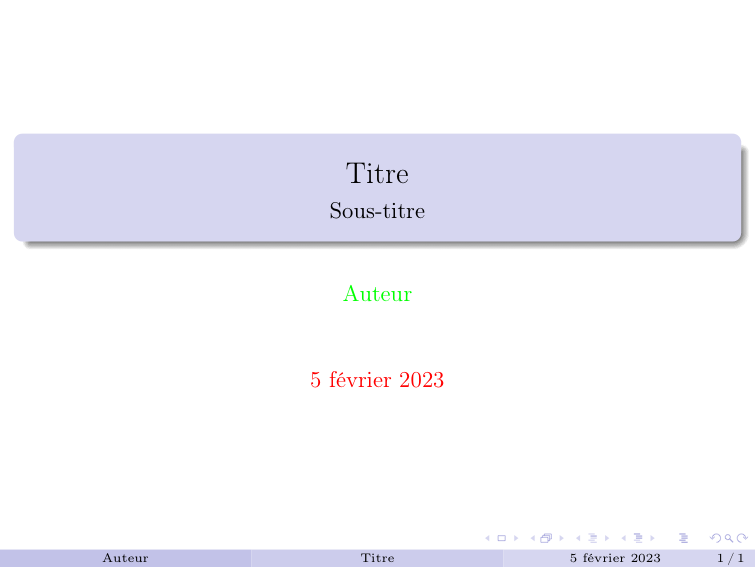
So, let's talk about those glorious page de garde. More specifically, making them look slick and professional with LaTeX, using, you guessed it, a cadre.
What's a Cadre, Anyway?
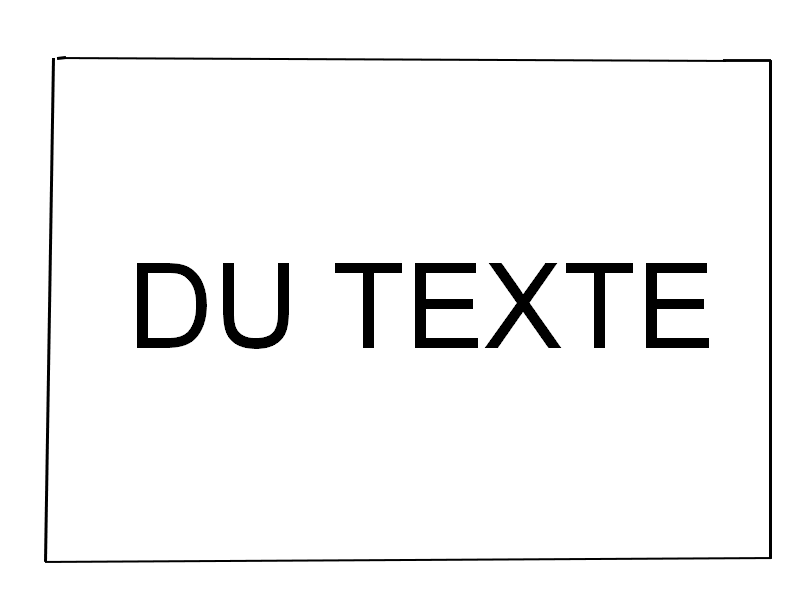
For those not fluent in fancy French design terms, a "cadre" basically translates to "frame" or "border." In the context of a page de garde, it's the stylish box that surrounds the important info: your name, subject, professor’s name, date, the usual suspects.
Why use a cadre? Because it makes things pop! A well-designed cadre instantly elevates the look of your document from "thrown together last minute" to "thoughtfully crafted masterpiece." Even if you wrote it in the bathroom stall 10 minutes before class (don’t judge!).
LaTeX to the Rescue!
Now, you might be thinking, "Ugh, LaTeX? Isn't that complicated?" Well, it can be. But for something as simple as a cadre, it's surprisingly straightforward. Think of it as a digital Etch-A-Sketch for your documents – precise, controllable, and occasionally frustrating, but ultimately rewarding.
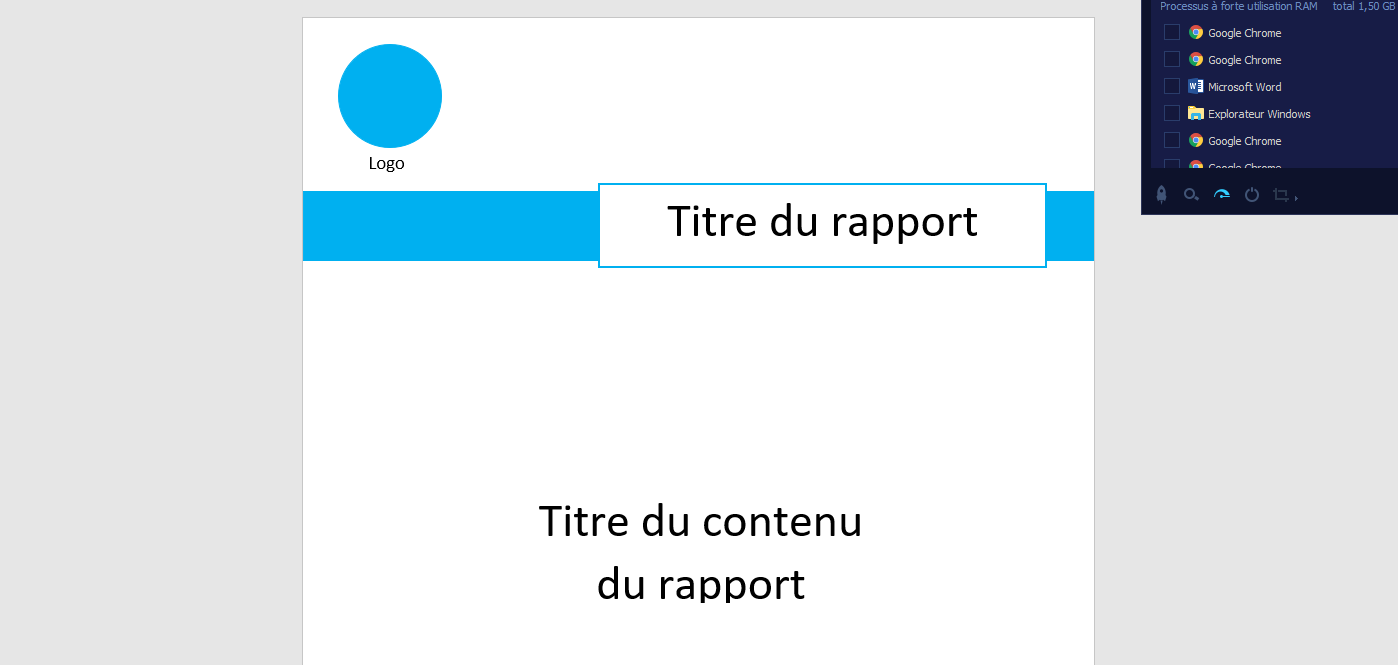
Here's the basic idea:
- You need to use a package like `tikz` or `fancybox`. These packages provide the commands to draw rectangles and add text inside them.
- You define the dimensions of your cadre – width, height, position on the page.
- You insert your text inside the cadre.
Sounds easy enough, right? (Famous last words!)
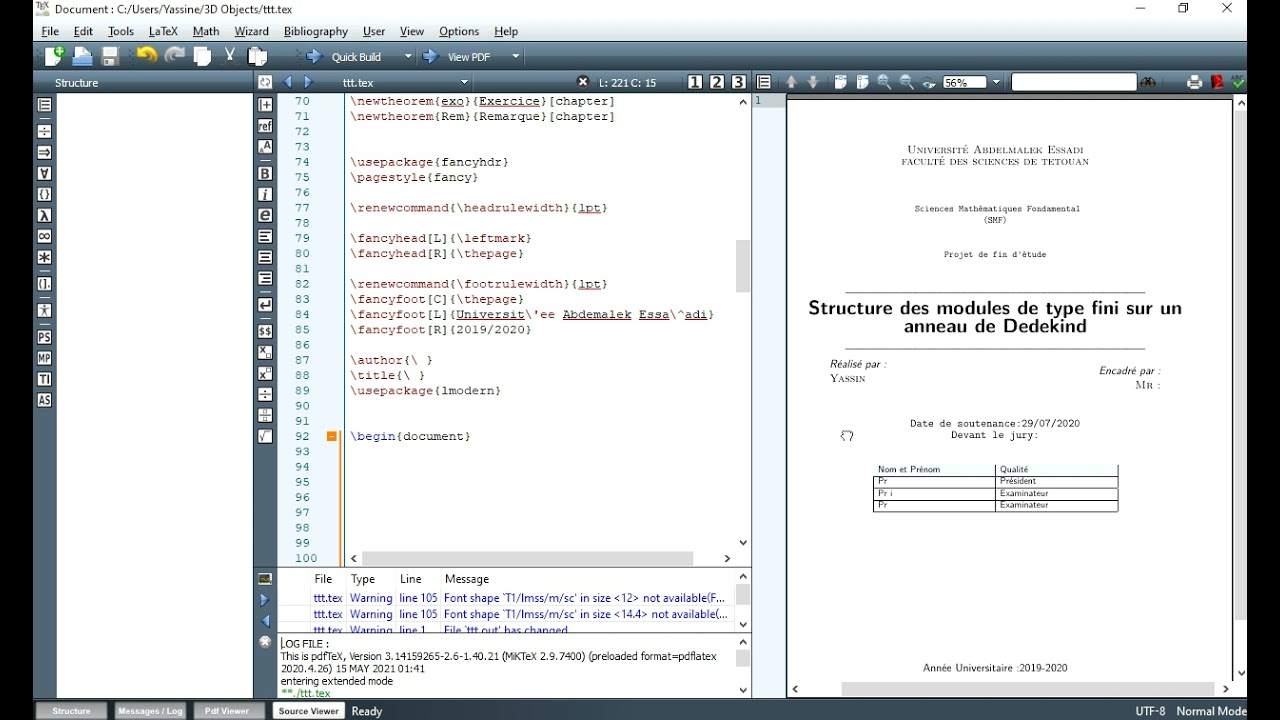
Practical Example (Simplified, of Course!)
Okay, let's imagine you're using `tikz` (because I like `tikz`, okay?). Here’s a super basic example:
\documentclass{article}
\usepackage{tikz}

\begin{document}
\begin{tikzpicture}
  \draw (0,0) rectangle (5,3);
  \node[align=center] at (2.5,1.5) {
    Your Name \\
    Subject: LaTeX Cadres \\
    Date: Today
  };
\end{tikzpicture}
\end{document}
This little snippet creates a rectangle and puts some text inside. You can adjust the coordinates `(0,0)` and `(5,3)` to move and resize the cadre. Play around with it!
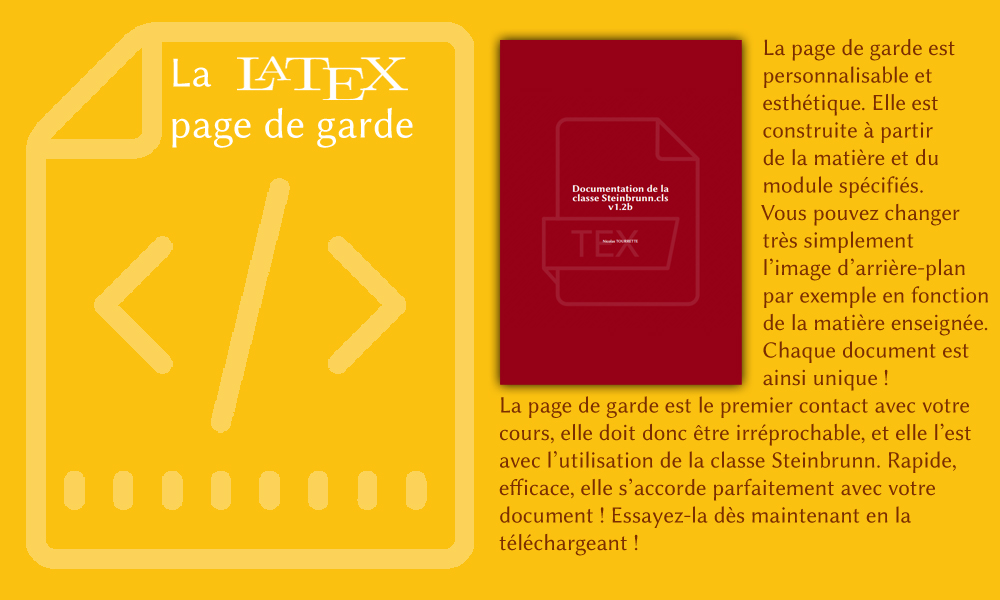
Important note: This is extremely basic. You'll probably want to customize things further: adding color, thicker lines, different fonts, maybe even a tiny little logo. That's where the real fun (and the potential for frustration) begins!
Tips and Tricks (and Avoiding Meltdowns)
- Start simple. Don't try to create a masterpiece on your first try. Get the basic cadre working, then add complexity gradually.
- Google is your friend. Seriously, search for "LaTeX cadre page de garde examples." There are tons of resources out there.
- Comment your code! Future you will thank you. Trust me on this one. (I’ve learned from bitter experience.)
- Don't be afraid to experiment. LaTeX is all about trial and error. Embrace the errors! (Okay, maybe not embrace them, but learn from them.)
So there you have it: a quick and dirty introduction to creating cadres for your LaTeX page de garde. Now go forth and create beautiful, well-framed documents! And remember, even if your code throws a thousand errors, at least your cover page will look amazing.