Okay, so picture this: me, hours before a big presentation, sweating bullets. My LaTeX document was a masterpiece of academic rigor, beautiful equations and perfectly aligned tables. Except… it started abruptly with the introduction. No panache, no je ne sais quoi. It was like showing up to a black-tie event in sweatpants. That’s when I realized: I needed a cover page. And fast!
Adding a cover page (une page de garde, if you're feeling fancy) in LaTeX isn't rocket science, but it can feel like it if you’re scrambling. So, let's ditch the panic and get this done!
Why bother with a cover page anyway?
Good question! Think of it as your document's first impression. It's where you can slap on:
- Your document's title (duh!)
- Your name (important unless you want someone else taking credit!)
- The date (because context matters)
- Your institution or affiliation (show off a little!)
- Maybe even a cool logo if you're feeling extra! (But keep it classy, okay?)
Basically, it makes your work look professional and polished. Plus, it’s a good way to avoid that awkward "where do I even start reading?" vibe.
The Simplest Method: `\maketitle` Command
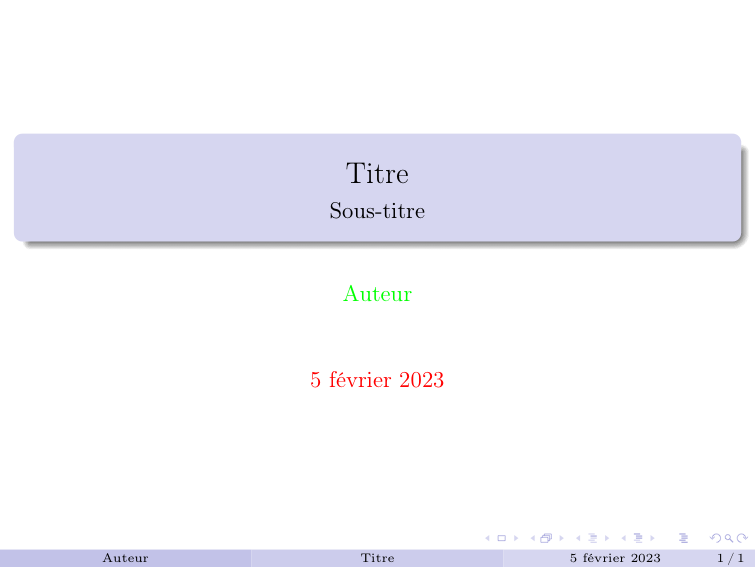
This is your bread and butter. LaTeX already knows how to create a basic title page, you just need to feed it the information. Here's how:

- Define the title, author, and date in your preamble (that’s the bit at the top of your .tex file).
\title{My Awesome Document}
\author{Your Name}
\date{\today}
See that `\today`? LaTeX is smart enough to automatically insert the current date. Pretty neat, huh?
- Right after your `\begin{document}` declaration, add the `\maketitle` command.
\begin{document}
\maketitle
Boom! Instant title page. It's not the fanciest, but it gets the job done. (Side note: if you don't want a date displayed, use `\date{}` – an empty date field.)
Level Up: The `titlepage` Environment
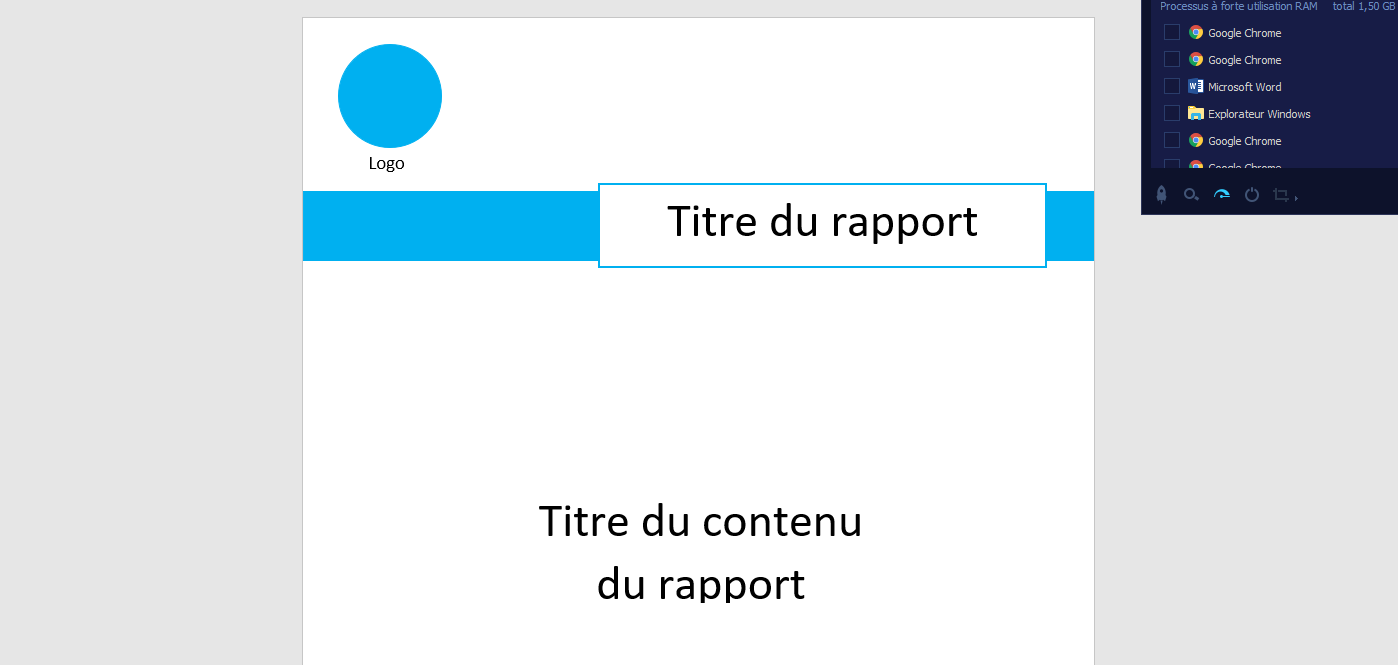
Okay, `\maketitle` is great for a quick and dirty solution. But what if you want more control? That’s where the `titlepage` environment comes in. It gives you complete freedom over the layout.
- Start with `\begin{titlepage}` and end with `\end{titlepage}`. This tells LaTeX that everything inside is part of the cover page.
- Inside the environment, you can use all sorts of LaTeX commands to position text, add images, and generally make it look awesome.
For example:

\begin{titlepage}
\centering
\vspace{\fill} % Push everything to the bottom

{\Huge \textbf{My Super Important Document}} \par \vspace{2cm}

{\Large Your Name} \par \vspace{1cm}

{\large Department of Awesomeness} \par \vspace{0.5cm}

\today

\vspace{\fill} % Push everything to the top
\end{titlepage}
The `\centering` command centers everything. `\vspace*{\fill}` is a sneaky way to push content to the top or bottom of the page. Play around with the font sizes (`\Huge`, `\Large`, etc.) and spacing (`\vspace`). The possibilities are endless!
Final Thoughts
Don't be afraid to experiment! LaTeX cover pages can be as simple or as elaborate as you want. The key is to make it your own and make sure it reflects the quality of the work inside. And remember, a little effort on the cover page can go a long way in making a great first impression. Now go forth and create some killer title pages! And maybe, just maybe, avoid my last-minute sweat-fueled panic attack.




![[latex] Problème de marges uniquement sur les 2 1ères pages par](https://user.oc-static.com/files/385001_386000/385731.png)